
- Services
Advertising disclosure: we earn commissions when you shop through the links below.
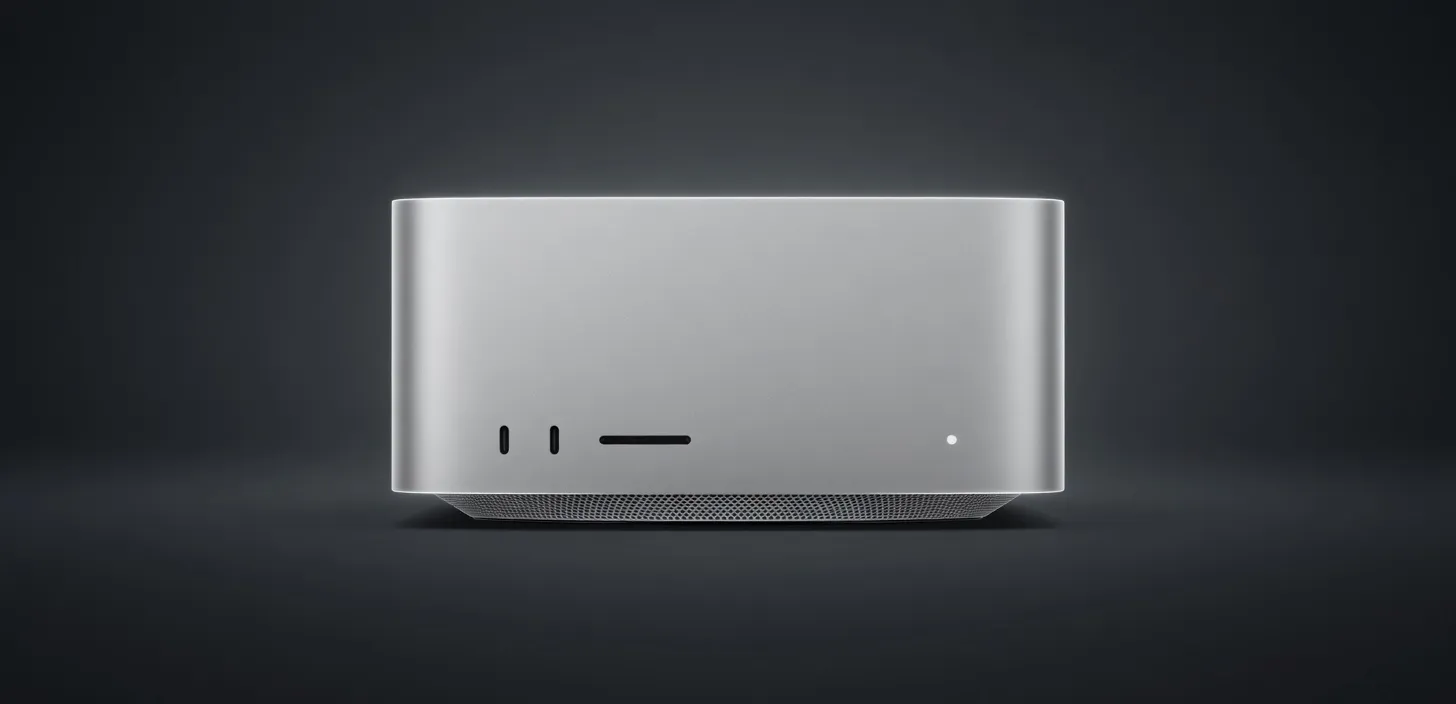
The first Mac Studio with the M1 Ultra — two M1 Max dies fused via UltraFusion. 20-core CPU, up to 64-core GPU, and up to 128GB unified memory at 800 GB/s for workstation-class performance.
Manufacturer's suggested retail price. Current prices can be higher or lower. This is not a live price.
Sized for production serving of 70B–200B class models at full or lightly-quantized precision. Overkill for a homelab; right call when the workload pays for itself in token volume.
Generated from this product’s spec sheet. Editor reviews refine it over time.
The Apple Mac Studio (M1 Ultra, 2022) represents a pivot point for local AI development. By utilizing Apple’s UltraFusion architecture to interconnect two M1 Max dies, the M1 Ultra effectively doubles the available resources of the standard Max chip, providing a massive pool of unified memory that was previously only available in enterprise-grade server hardware. For AI engineers and practitioners, the Apple Mac Studio (M1 Ultra, 2022) for AI is defined by its 128GB unified memory capacity, allowing it to act as a high-VRAM workstation without the footprint, noise, or power draw of a multi-GPU PC build.
While the product is officially discontinued by Apple, it remains a high-demand asset on the secondary market for local LLM enthusiasts and developers. It sits firmly in the prosumer/professional tier, competing directly with high-end NVIDIA RTX 4090 builds. However, where a consumer GPU caps out at 24GB of VRAM, the M1 Ultra’s unified memory architecture allows the GPU to access nearly the entire 128GB pool, making it one of the best apple silicon for running AI models locally when parameter count is the primary constraint.
The core of the Apple Mac Studio (M1 Ultra, 2022) AI inference performance lies in its memory bandwidth and the 32-core Neural Engine. Unlike traditional architectures where data must travel over a PCIe bus between the CPU and a discrete GPU, the M1 Ultra uses a unified memory pool.
For LLMs, memory bandwidth is the primary bottleneck for token generation (inference). The M1 Ultra delivers 800 GB/s of memory bandwidth, which is significantly higher than the M1 Max (400 GB/s) and approaches the speeds of dedicated data center cards. This bandwidth allows the 64-core GPU to rapidly access model weights, ensuring that even large models maintain usable tokens per second (t/s).
The 20-core CPU (16 performance, 4 efficiency) handles the pre-fill stage and orchestration, while the 64-core GPU manages the heavy lifting of tensor operations. While NVIDIA’s CUDA remains the industry standard for training, Apple’s Metal Performance Shaders (MPS) have matured significantly, allowing frameworks like PyTorch and llama.cpp to utilize the M1 Ultra's silicon effectively. In terms of power efficiency, the Mac Studio draws a fraction of the wattage required by a dual-A6000 or triple-4090 setup, making it ideal for production ready 24/7 inference nodes in an office environment.
The primary reason to choose an Apple Mac Studio (M1 Ultra, 2022) VRAM for large language models is the ability to run 70B+ parameter models on a single device. This is the 128GB GPU for AI equivalent that practitioners search for when they need to move beyond the 8B or 27B model classes.
The 128GB capacity is a game-changer for hardware for running 70B+ at Q4 with 128GB unified memory parameter models that require large context windows. If you are running RAG (Retrieval-Augmented Generation) workflows with 32k or 128k context lengths, the unified memory prevents the "out of memory" (OOM) errors that plague 24GB consumer cards. It is also highly capable of running Stable Diffusion XL or Flux.1 (dev) for image generation, though iteration speeds will be slower than a dedicated RTX 4090.
The Mac Studio M1 Ultra remains one of the best hardware for local AI agents 2025 due to its stability and "set it and forget it" nature.
When evaluating the Apple Mac Studio (M1 Ultra, 2022) vs [competitor], the two most common comparisons are the newer Mac Studio M2 Ultra and a Custom Multi-GPU PC (NVIDIA).
The M2 Ultra offers a roughly 20% increase in CPU and GPU performance and supports up to 192GB of unified memory. However, for many practitioners, the M1 Ultra is the better value on the used market. The memory bandwidth remains the same (800 GB/s), meaning the Apple Mac Studio (M1 Ultra, 2022) tokens per second are often within 10-15% of its successor for LLM tasks, making it a more cost-effective entry point for high-VRAM requirements.
If your workload requires massive model parameters and long context windows without the complexity of managing a multi-GPU Linux server, the Mac Studio M1 Ultra remains a premier choice for local AI execution.
The top models this device can run at 4-bit, ranked by fit and speed.
| Model | Grade | Speed | VRAM |
|---|---|---|---|
| Mixtral 8x7B InstructMistral AI | SS | 56.7 tok/s | 11.4 GB |
| AliceAI-Foundation-80B-A3B-Baseyandex | SS | 75.5 tok/s | 8.5 GB |
| Gemma 4 26B-A4B ITGoogle | SS | 58.5 tok/s | 11.0 GB |
| Xing4.0-29B-A4BChina Telecom AI | SS | 57.5 tok/s | 11.2 GB |
| DiffusionGemma 26B-A4BGoogle | SS | 61.4 tok/s | 10.5 GB |
Among 6 similar devices, the Apple Mac Studio (M1 Ultra, 2022) ranks #3 for memory and #3 for memory bandwidth.
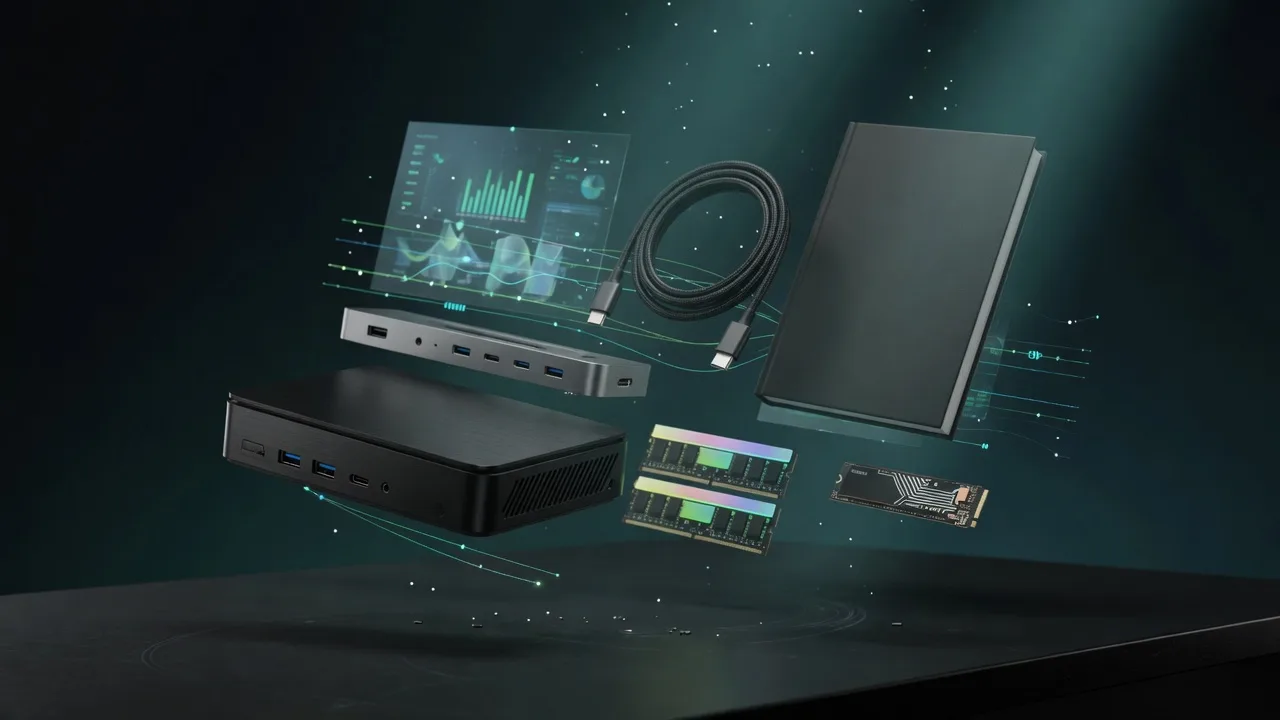
Also in Our Store
Docks, fast storage, cables, and a UPS sized for a local AI machine.

Rent this class of GPU by the hour before you buy. Live prices from RunPod and Vast.ai.

Find the break-even between buying this hardware and paying for a cloud API.
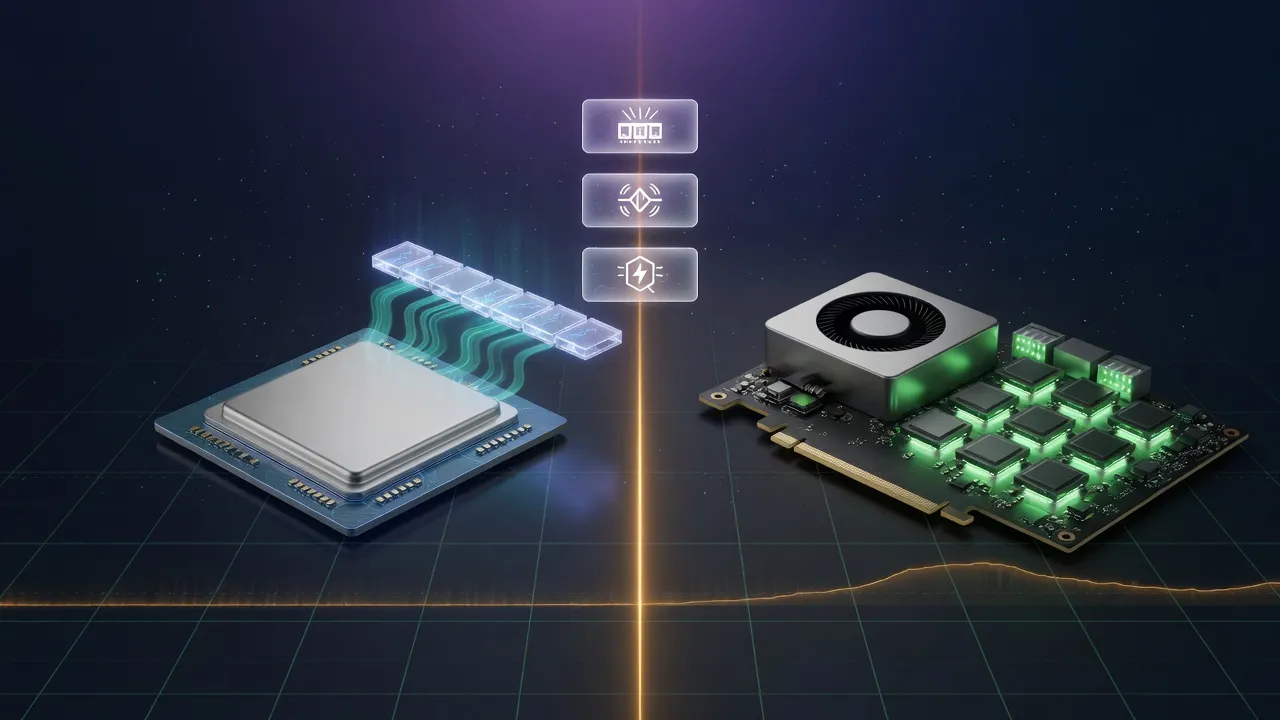
Mac vs NVIDIA for local inference, if you are still choosing a platform.
