Advertising disclosure: we earn commissions when you shop through the links below.
Corsair
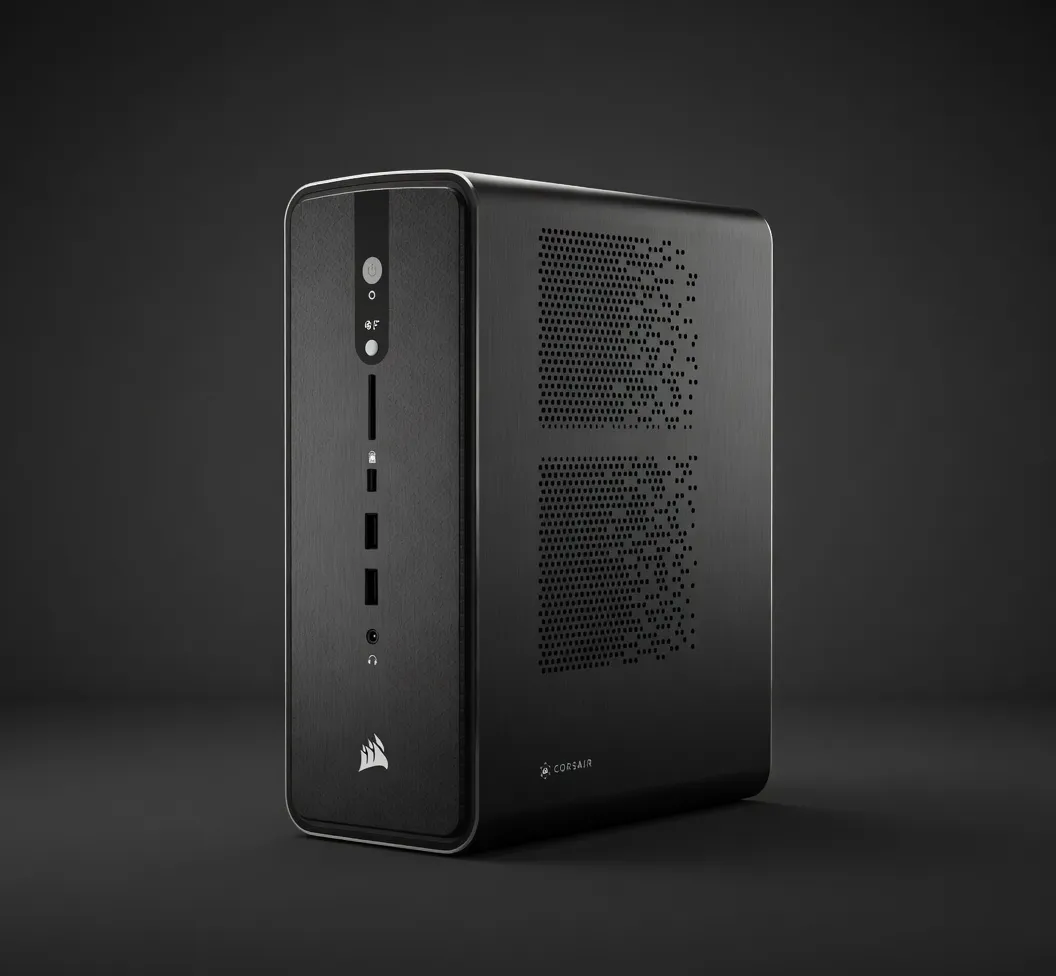
Corsair AI Workstation 300 (Ryzen AI Max 385)
Ultra-compact 4.4L workstation with AMD Ryzen AI Max 385 APU. 48GB unified VRAM and 64GB LPDDR5X-8000 in a silent, 300W form factor. XDNA 2 NPU adds 50 TOPS for on-device acceleration.
AI PCs & LaptopsIn Stock
Best for LLMsEdge AI
Quick Specs
VRAM48 GB
INT850 TOPS
TDP150 W
Memory BW256 GB/s
Max Params32B at Q5_K_M; 70B at Q3 with tight context
Form Factor4.4L SFF
APUAMD Ryzen AI Max 385 (8C/16T, Radeon 8050S iGPU, XDNA 2 NPU 50 TOPS)
iGPU VRAM AllocationUp to 48GB unified
Memory64GB LPDDR5X-8000 unified (256 GB/s, shared with GPU)
Storage1TB PCIe NVMe SSD
Power Supply300W FLEX ATX
Total System Power~150W typical, 300W max
Chassis Volume4.4 liters
OSWindows 11 Home
DistributorSold by Origin PC with lifetime support
Our Take
The first tier where 70B-class models stop feeling cramped. Headroom for KV cache means 32K+ context on Q4 quants without falling off the GPU.
Pair this withQwen3-235B-A22B (235B)Largest popular open model that fits at Q4 — needs roughly 36.3 GB on this 48 GB card.
Generated from this product’s spec sheet. Editor reviews refine it over time.
Specifications
The Corsair AI Workstation 300 (Ryzen AI Max 385) is a purpose-built, ultra-compact local AI inference machine. At $1,699, it occupies a specific niche: a prosumer-grade system that eliminates the need for a discrete GPU by leveraging AMD’s unified memory architecture. Corsair, through its distributor Origin PC, targets developers and engineers who need to run large language models (LLMs) on-device without the bulk, noise, or power draw of a traditional workstation.
This is not a data center server nor a consumer gaming PC. It’s a 4.4-liter small form factor (SFF) system that fits on a desk, runs silently at ~150W, and provides 48GB of unified VRAM for AI workloads. Its primary competition includes other high-end mini PCs with integrated AI acceleration (e.g., the Apple Mac Studio with M4 Max) and entry-level discrete GPU workstations (e.g., a custom build with an RTX 4060 Ti 16GB). The Corsair AI Workstation 300 wins on VRAM capacity per dollar and power efficiency, but it is not a general-purpose compute node for training.
The core of this system is the AMD Ryzen AI Max 385 APU, an 8-core/16-thread processor paired with a Radeon 8050S integrated GPU and an XDNA 2 NPU. For AI inference, the critical spec is the unified memory architecture: 64GB of LPDDR5X-8000 memory is shared between CPU and GPU, with up to 48GB dynamically allocated as VRAM. This provides 256 GB/s of memory bandwidth, which directly determines token generation speed.
Key AI-specific specs:
- VRAM: 48 GB (unified, dynamically allocated)
- Memory Bandwidth: 256 GB/s
- INT8 Performance (NPU): 50 TOPS
- Total System Power: ~150W typical, 300W max (FLEX ATX PSU)
- Form Factor: 4.4L SFF
The 256 GB/s bandwidth is the bottleneck for inference throughput. For comparison, an RTX 4090 offers ~1,000 GB/s, and an RTX 4060 Ti offers ~288 GB/s. This means the Corsair AI Workstation 300 will generate tokens slower than a discrete GPU solution, but it compensates with substantially more VRAM. The 50 TOPS NPU provides on-device acceleration for lightweight models and preprocessing, but the Radeon 8050S iGPU handles the bulk of LLM inference via ROCm or DirectML.
The 150W typical power draw is a significant advantage. This system can run 24/7 for edge deployments or local agentic workflows without special cooling or high electricity costs. The passive cooling design keeps noise to a minimum.
The 48GB VRAM ceiling defines the model compatibility. Here is a realistic breakdown of what fits and what doesn’t:
Fits comfortably (high quantization):
- Llama 3.1 8B – Q8 or FP16. Expect 30-40 tokens/second.
- Mistral 7B – Q8 or FP16. 35-45 tokens/second.
- Qwen 2.5 7B – Q8 or FP16. 30-40 tokens/second.
- Phi-3 14B – Q6_K or Q8. 20-25 tokens/second.
Fits with quantization (sweet spot for quality/speed):
- Llama 3.1 70B – Q3_K_M (tight context, ~30-35GB). Expect 5-10 tokens/second.
- Qwen 2.5 32B – Q5_K_M (~22GB). 12-18 tokens/second.
- DeepSeek-R1 32B – Q4_K_M (~20GB). 15-20 tokens/second.
- Mixtral 8x7B – Q6_K (~28GB). 15-20 tokens/second.
At the limit:
- Llama 3.1 70B – Q3 with tight context (1-2K tokens). 5-8 tokens/second. Usable for single-turn inference but not for long-context or chain-of-thought.
- Command R+ 104B – Does not fit. Requires >48GB even at Q2.
Multimodal models:
- LLaVA 13B – Fits at Q6_K. 15-20 tokens/second.
- Qwen-VL 7B – Fits at Q8. 25-30 tokens/second.
The sweet spot for this hardware is 32B parameter models at Q5_K_M. This provides a good balance of reasoning capability, context length (8-16K tokens), and inference speed. For 70B models, you must accept Q3 quantization and limited context, making this hardware suitable for specific tasks like summarization or classification but not for complex multi-turn agents.
The Corsair AI Workstation 300 is not for everyone. It serves specific, well-defined use cases:
Local LLM Inference for Developers: If you are building AI-powered applications that require local inference for privacy, latency, or offline capability, this system provides enough VRAM to run 32B models at usable speeds. It is ideal for prototyping agentic workflows, RAG pipelines, or local chatbots without cloud costs.
Edge AI Deployment: The 4.4L form factor, 150W power draw, and silent operation make this suitable for edge deployments in labs, clinics, or industrial settings where space and noise are constrained. The XDNA 2 NPU adds 50 TOPS for lightweight on-device acceleration (e.g., Whisper for speech-to-text, YOLO for object detection).
Hobbyists and Researchers Running Local Agents: For practitioners who need to run multiple models simultaneously or maintain long-running inference servers, the unified memory allows swapping between models without VRAM contention. A single system can serve a local LLM API endpoint (e.g., llama.cpp, Ollama) while running a separate embedding model for RAG.
Not suitable for: Training from scratch, fine-tuning large models, or running models larger than 70B. The 256 GB/s bandwidth limits throughput for real-time applications like voice assistants. If you need high tokens/second for production inference, a discrete GPU workstation is a better choice.
vs. Apple Mac Studio (M4 Max, 48GB unified memory):
The Mac Studio offers similar VRAM capacity and higher memory bandwidth (400 GB/s vs. 256 GB/s). It runs Llama 3.1 70B at Q3 faster (10-15 tokens/second vs. 5-10). However, the Corsair AI Workstation 300 runs Windows natively, supports ROCm and DirectML, and is easier to integrate into existing x86-based development pipelines. The Mac Studio is better for macOS-native workflows and creative apps; the Corsair is better for Windows/Linux AI development and edge deployment.
vs. Custom Mini PC with RTX 4060 Ti 16GB:
A custom SFF build with an RTX 4060 Ti (16GB VRAM) costs ~$1,200-1,400 and offers higher memory bandwidth (288 GB/s). It will run 7B-13B models faster (50+ tokens/second) but cannot load anything larger than 16GB. The Corsair AI Workstation 300 wins on VRAM capacity—you can run 32B models that the RTX 4060 Ti simply cannot. For developers who need to experiment with larger models, the Corsair is the better buy. For high-throughput inference on small models, the discrete GPU build is faster.
When to pick the Corsair AI Workstation 300: You need to run 32B-70B parameter models locally, you prioritize VRAM capacity over raw speed, and you want a silent, low-power system that fits on a desk. It is the best hardware for local AI agents in 2026 if your workflow requires models larger than 16GB.
Models That Run on This Device
The top models this device can run at 4-bit, ranked by fit and speed.
| Model | Grade | Speed | VRAM |
|---|---|---|---|
| Qwen3-30B-A3BAlibaba | SS | 38.3 tok/s | 5.4 GB |
| LFM2.5-8B-A1BLiquid AI | AA | 70.9 tok/s | 2.9 GB |
| Llama 3 8B InstructMeta | AA | 36.4 tok/s | 5.7 GB |
| PersonaPlex 7BNVIDIA | AA | 43.0 tok/s | 4.8 GB |
| Llama 2 7B ChatMeta | AA | 43.0 tok/s | 4.8 GB |
Similar Products
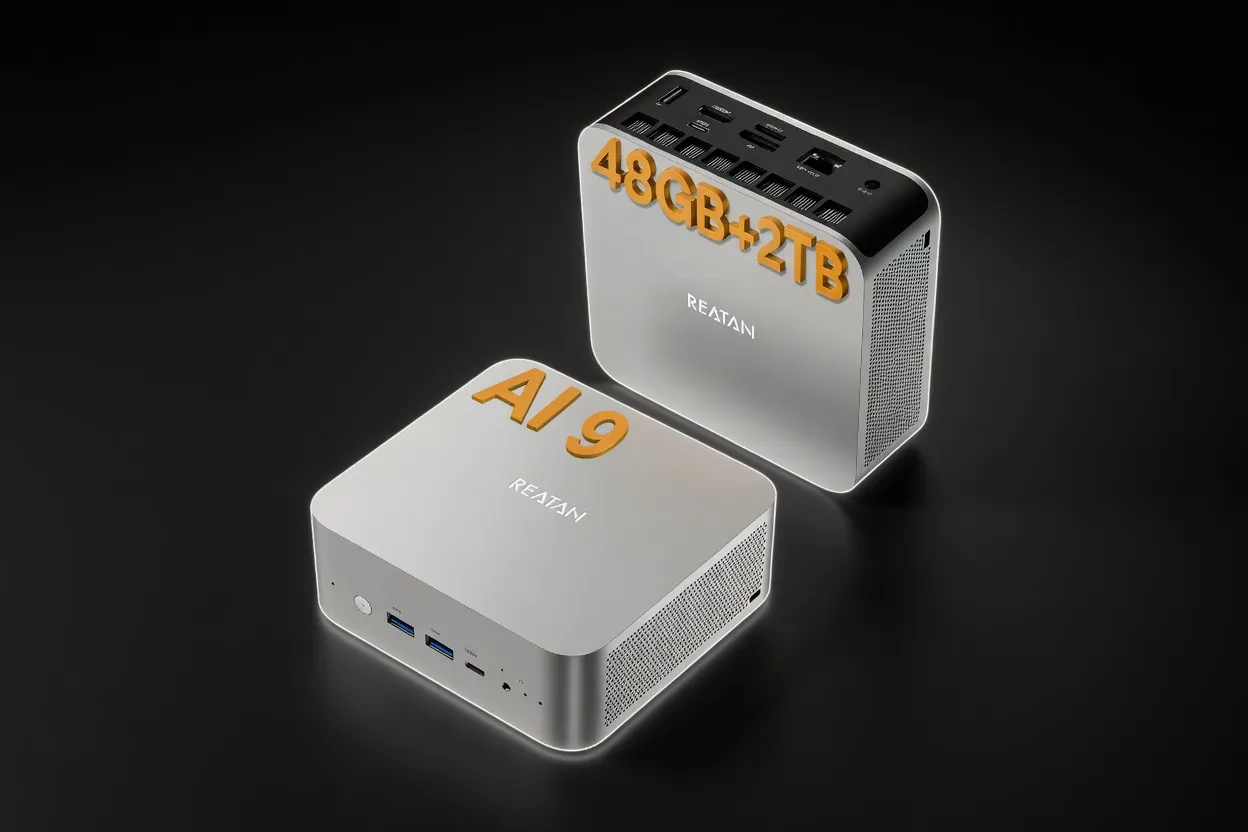
Reatan Mini Gaming PC (Ryzen AI 9 HX 470 with Speaker)
16 GB54 W
Edge AIMobile / On-DeviceEnergy Efficient
$999
Buy on Amazon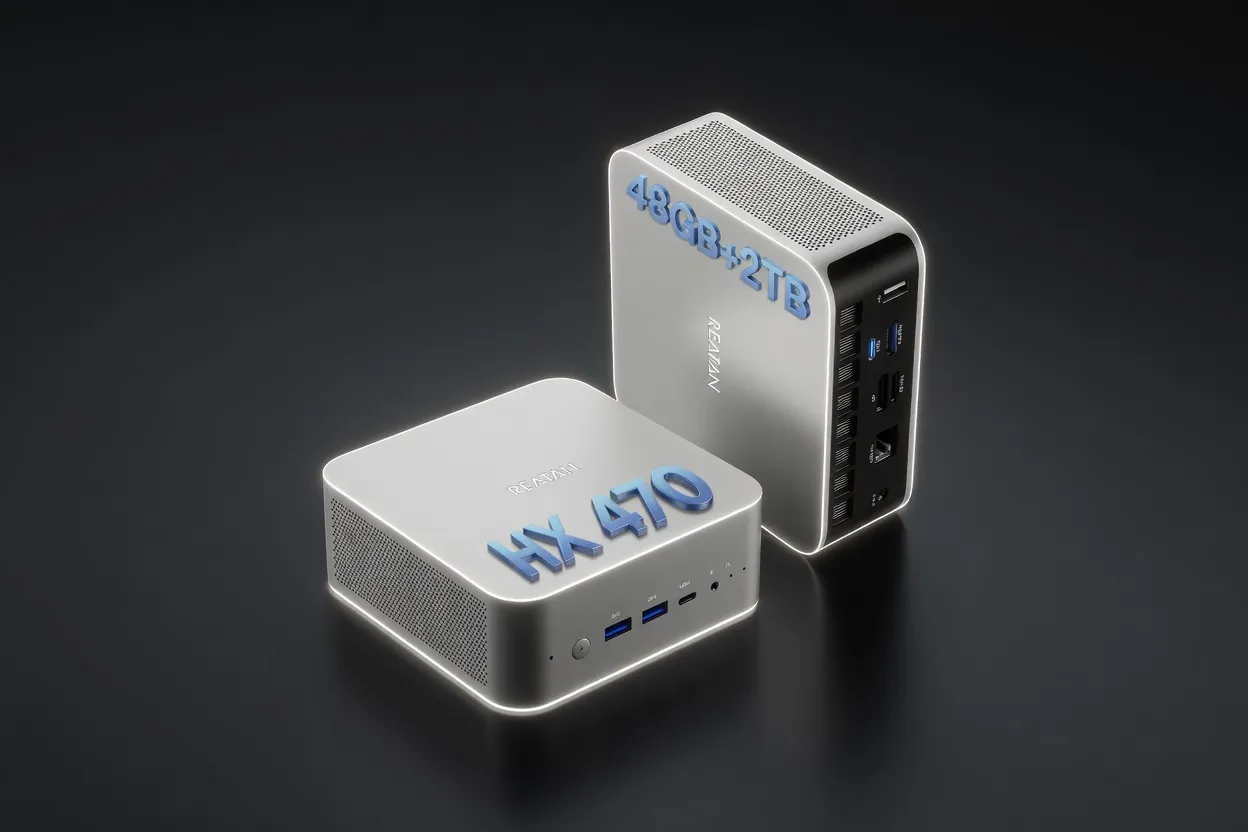
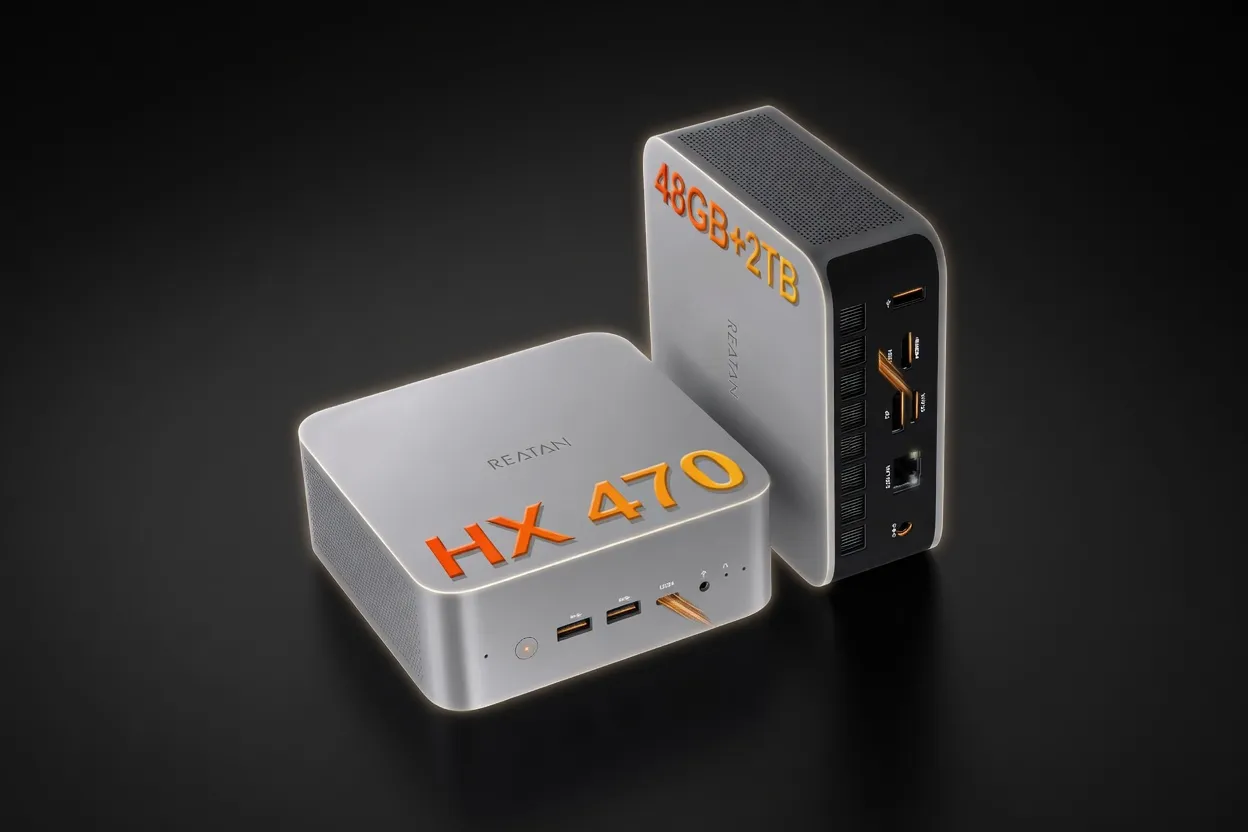
Reatan X8 (Ryzen AI 9 HX 470 48GB)
16 GB54 W
Edge AIMobile / On-DeviceEnergy Efficient
$999
Buy on Amazon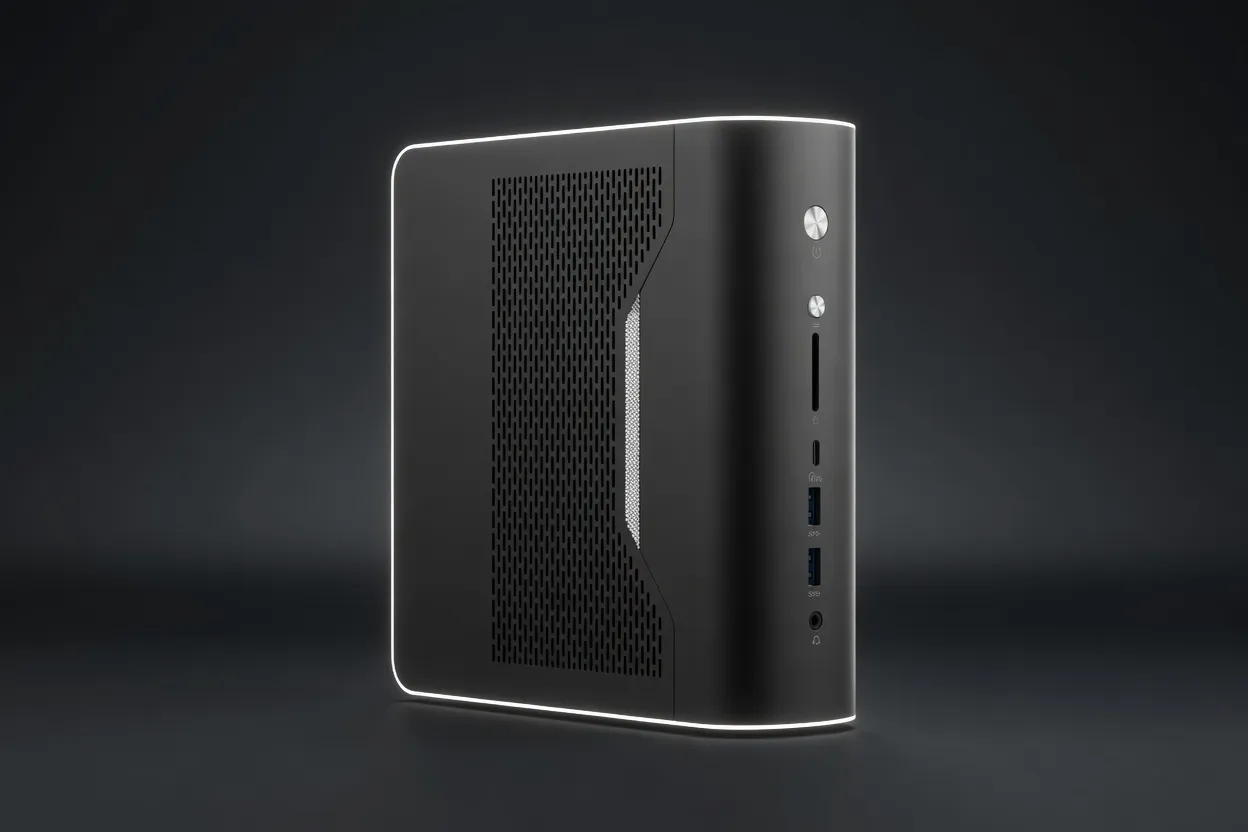
NIMO Mini PC (Ryzen AI Max+ 395 128GB)
96 GB120 W
Best for LLMsEdge AIEnergy Efficient
$2,299
Buy on Amazon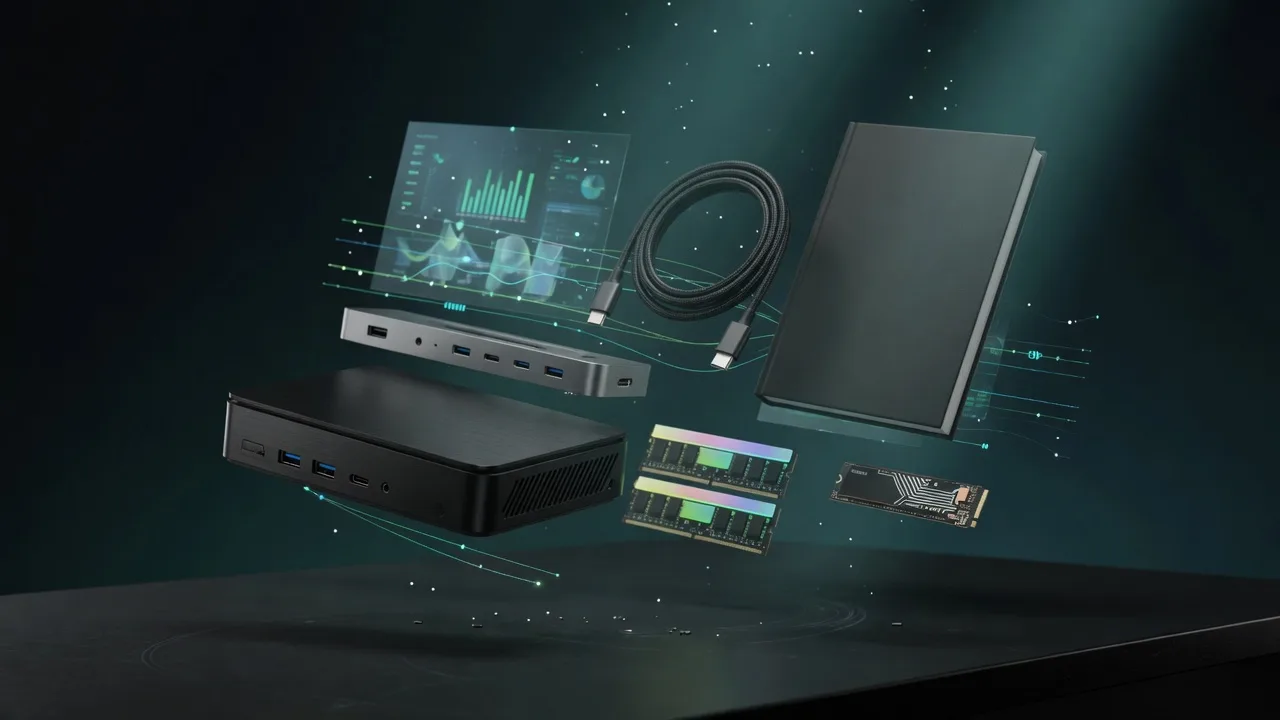
Also in Our Store
Finish the Build
Docks, fast storage, cables, and a UPS sized for a local AI machine.
Plan Your Setup
GPU Rental Price Index
Rent this class of GPU by the hour before you buy. Live prices from RunPod and Vast.ai.
AI Hardware ROI Calculator
Find the break-even between buying this hardware and paying for a cloud API.
AI Workstation Builder
Get a full budget-matched parts list for a local AI workstation.
Apple Silicon vs RTX
Mac vs NVIDIA for local inference, if you are still choosing a platform.
