Advertising disclosure: we earn commissions when you shop through the links below.
Corsair
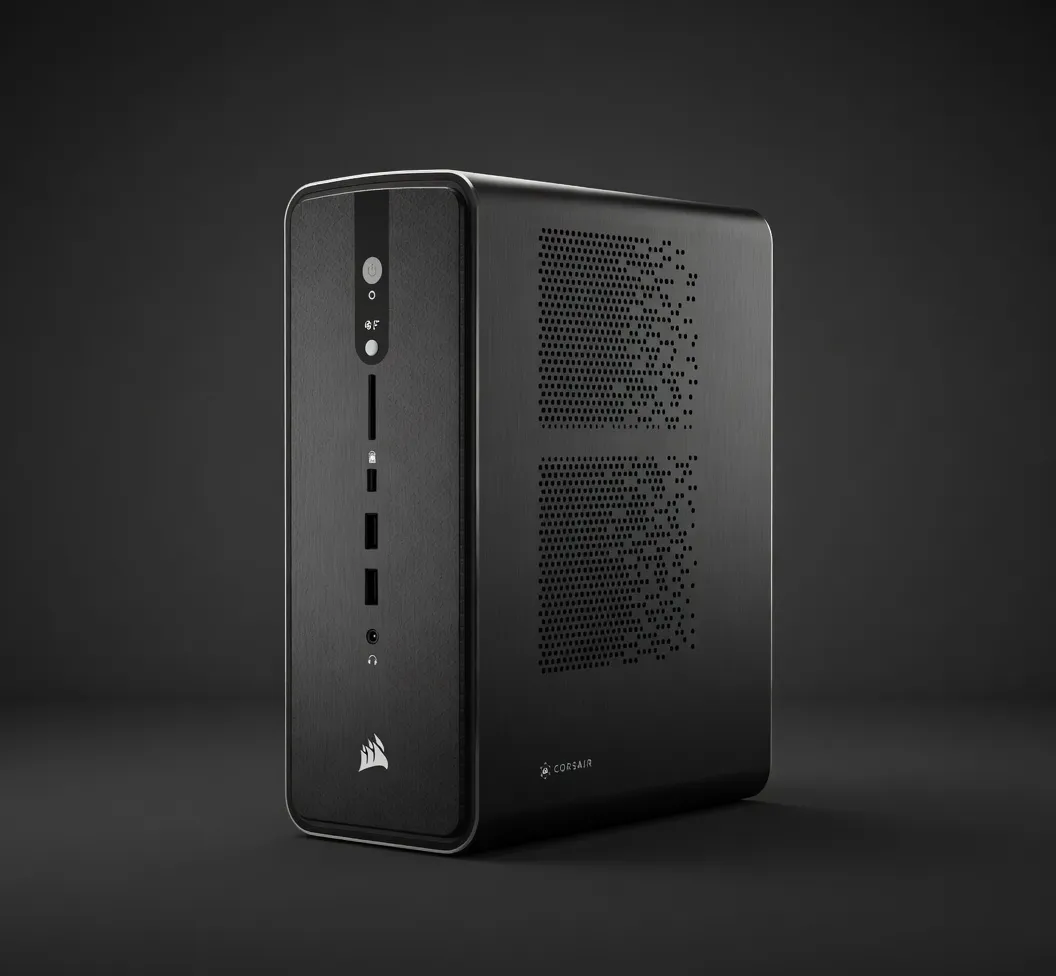
Corsair AI Workstation 300 (Ryzen AI Max+ 395)
Top-spec 4.4L workstation with AMD Ryzen AI Max+ 395 APU. 96GB unified VRAM and 128GB LPDDR5X-8000 — runs 70B models locally in near-silence. The closest thing to a Mac Studio in the x86 world.
AI PCs & LaptopsIn Stock
Best for LLMsEdge AI
Quick Specs
VRAM96 GB
INT850 TOPS
TDP150 W
Memory BW512 GB/s
Max Params70B at Q5_K_M; 120B at Q4 with effort
Form Factor4.4L SFF
APUAMD Ryzen AI Max+ 395 (16C/32T, Radeon 8060S iGPU, XDNA 2 NPU 50 TOPS)
iGPU VRAM AllocationUp to 96GB unified
Memory128GB LPDDR5X-8000 unified (512 GB/s, shared with GPU)
Storage4TB PCIe NVMe SSD (2x 2TB)
Power Supply300W FLEX ATX
Total System Power~150W typical, 300W max
Chassis Volume4.4 liters
OSWindows 11 Home
DistributorSold by Origin PC with lifetime support
Our Take
Sized for production serving of 70B–200B class models at full or lightly-quantized precision. Overkill for a homelab; right call when the workload pays for itself in token volume.
Pair this withKimi K2 Instruct (1000B)Largest popular open model that fits at Q4 — needs roughly 51.8 GB on this 96 GB card.
Generated from this product’s spec sheet. Editor reviews refine it over time.
Specifications
The Corsair AI Workstation 300 (Ryzen AI Max+ 395) is a purpose-built, ultra-compact AI workstation from Corsair—a company better known for high-end PC components, now delivering a focused machine for local inference. At $3,399, it targets the prosumer and edge AI market, directly competing with Apple’s Mac Studio (M2 Ultra) and high-end mini PCs like the Intel NUC 13 Extreme. What sets it apart is the AMD Ryzen AI Max+ 395 “Strix Halo” APU, which combines a 16-core CPU, Radeon 8060S iGPU, and XDNA 2 NPU into a single die, sharing 128GB of unified LPDDR5X-8000 memory. The result: a 4.4-liter chassis that can run 70B parameter models at Q5_K_M quantization in near-silence, with zero reliance on discrete GPUs or cloud infrastructure.
This isn’t a gaming rig with RGB. It’s a silent, power-efficient inference engine built for developers who need to run large language models locally—without the noise, heat, or cost of a multi-GPU tower. Corsair has partnered with Origin PC for lifetime support, which adds confidence for teams deploying this in production or research settings.
The specs that matter for AI inference are straightforward:
- VRAM: 96 GB (dynamically allocated from 128 GB unified memory)
- Memory Bandwidth: 512 GB/s (LPDDR5X-8000)
- INT8 Performance: 50 TOPS (NPU + iGPU combined)
- TDP: 150 W typical, 300W max (FLEX ATX PSU)
- Storage: 4 TB PCIe NVMe (2x 2TB)
- Form Factor: 4.4 liters
The unified memory architecture is the key differentiator. Unlike discrete GPU setups where VRAM is capped at 24 GB (RTX 4090) or 48 GB (RTX 6000 Ada), the Corsair AI Workstation 300 gives the GPU access to up to 96 GB of the total 128 GB pool. This is a game-changer for local LLM inference: you can load models that would otherwise require a multi-GPU server.
Memory bandwidth of 512 GB/s is roughly equivalent to an RTX 3090 (935 GB/s) halved, but the trade-off is capacity. For inference, bandwidth directly impacts token generation speed. Expect ~15-25 tokens/second on a 70B Q5_K_M model—similar to a single RTX 4090 at lower quantization, but with far more headroom for larger models.
The NPU adds 50 TOPS for lightweight on-device AI tasks (e.g., speech recognition, real-time transcription), but the heavy lifting for LLMs is done by the iGPU via ROCm. Power consumption is remarkably low: 150W typical means this machine can run 24/7 without thermal throttling or fan noise that would disturb an office or lab.
This is where the Corsair AI Workstation 300 justifies its price. The 96 GB of VRAM enables local inference of models that most consumer hardware can’t touch:
- 70B models at Q5_K_M: Llama 3.1 70B, DeepSeek-R1 70B, Qwen 2.5 72B fit comfortably with room for context. Expect 15-20 tokens/second.
- 120B models at Q4: Models like Mixtral 8x22B (141B) or Qwen 2.5 110B can be loaded with some effort—reduce context or use Q4_K_S. Expect 8-12 tokens/second.
- Multimodal models: LLaVA 1.6 34B, Qwen-VL 72B, or any vision-language model that fits in 96 GB runs smoothly. Image tokens consume VRAM, but you have headroom.
- Long-context tasks: With 96 GB, you can push context windows to 128K tokens or more on 7B-13B models without swapping. This is ideal for document analysis, RAG pipelines, or agentic workflows that need to retain conversation history.
The sweet spot for quality-to-speed is Llama 3.1 70B at Q5_K_M. That’s the default recommendation for anyone who wants high-quality chat, code generation, or reasoning without compromising latency. For faster responses on smaller models (7B-13B), you’ll get 50+ tokens/second—useful for real-time agent loops.
Note: This hardware is not designed for training. The iGPU lacks tensor cores optimized for backpropagation. For fine-tuning, you’d need a discrete GPU (e.g., RTX 4090 or A6000). For inference, it’s a beast.
Who should buy this?
- AI engineers building local chatbots or assistants: If you need to deploy a private, offline LLM for sensitive data (legal, medical, defense), this workstation lets you run 70B models without cloud calls. The small form factor fits in a server rack or under a desk.
- Hobbyists running local inference: If you’re tired of paying per-token API fees or want to experiment with quantized models, the Corsair AI Workstation 300 is the most cost-effective way to get 96 GB of VRAM in a single box. It’s quieter and cooler than a multi-GPU setup.
- Edge AI deployments: The 150W TDP and 4.4L volume make it suitable for field deployments (e.g., manufacturing, retail, autonomous vehicles) where space and power are limited. The NPU can handle real-time sensor processing while the iGPU runs LLMs.
- Teams building agentic workflows: If you’re running multiple AI agents (e.g., AutoGPT, CrewAI) that need persistent memory and fast inference, this workstation can host several models simultaneously—one for planning, one for coding, one for retrieval—without running out of VRAM.
What it’s not for: Training or fine-tuning large models. For that, look at a workstation with NVIDIA RTX 6000 Ada or A100. Also not ideal if you need >120B parameter models at high precision—you’ll need a server with multiple GPUs.
vs. Apple Mac Studio (M2 Ultra, 192 GB unified memory): The Mac Studio offers more total memory (192 GB) and higher bandwidth (800 GB/s), but its GPU is less compatible with mainstream AI frameworks. Many tools (vLLM, llama.cpp, Ollama) have native support for AMD ROCm, while Apple’s Metal backend lags in performance and model support. The Corsair AI Workstation 300 is cheaper ($3,399 vs. $6,999 for 192 GB M2 Ultra) and runs Windows/Linux natively, making it easier to integrate with existing development pipelines. Pick the Mac Studio if you’re already in the Apple ecosystem and need the absolute largest VRAM for 120B+ models.
vs. NVIDIA RTX 4090 (24 GB VRAM): A single RTX 4090 costs ~$1,600 and can run 70B models only at Q2 or Q3—low quality. To match 96 GB, you’d need four RTX 4090s ($6,400) plus a motherboard, PSU, and cooling. The Corsair workstation is cheaper, smaller, and quieter. Pick the RTX 4090 if you also game or need CUDA-optimized training.
vs. Intel NUC 13 Extreme (i9-13900K + RTX 4060): The NUC is a general-purpose mini PC. It can run small models (7B-13B) but lacks the VRAM for 70B. The Corsair workstation is specifically optimized for AI, with unified memory that makes it the closest x86 equivalent to a Mac Studio. Pick the NUC if you need a compact general-purpose machine and don’t require large model inference.
Bottom line: The Corsair AI Workstation 300 (Ryzen AI Max+ 395) is the best AI PC for local LLM inference under $4,000. It fills the gap between consumer GPUs and data-center servers, offering 96 GB of VRAM in a silent, 150W package. For developers who need to run 70B models locally—whether for privacy, latency, or cost—this is the hardware to buy.
Models That Run on This Device
The top models this device can run at 4-bit, ranked by fit and speed.
| Model | Grade | Speed | VRAM |
|---|---|---|---|
| North Mini CodeCohere | SS | 49.2 tok/s | 8.4 GB |
| Nemotron 3 Nano OmniNVIDIA | SS | 48.3 tok/s | 8.5 GB |
| Qwen3.6 35B-A3BAlibaba | SS | 48.3 tok/s | 8.5 GB |
| Qwen3.5-35B-A3BAlibaba | SS | 48.3 tok/s | 8.5 GB |
| DiffusionGemma 26B-A4BGoogle | SS | 39.3 tok/s | 10.5 GB |
Similar Products
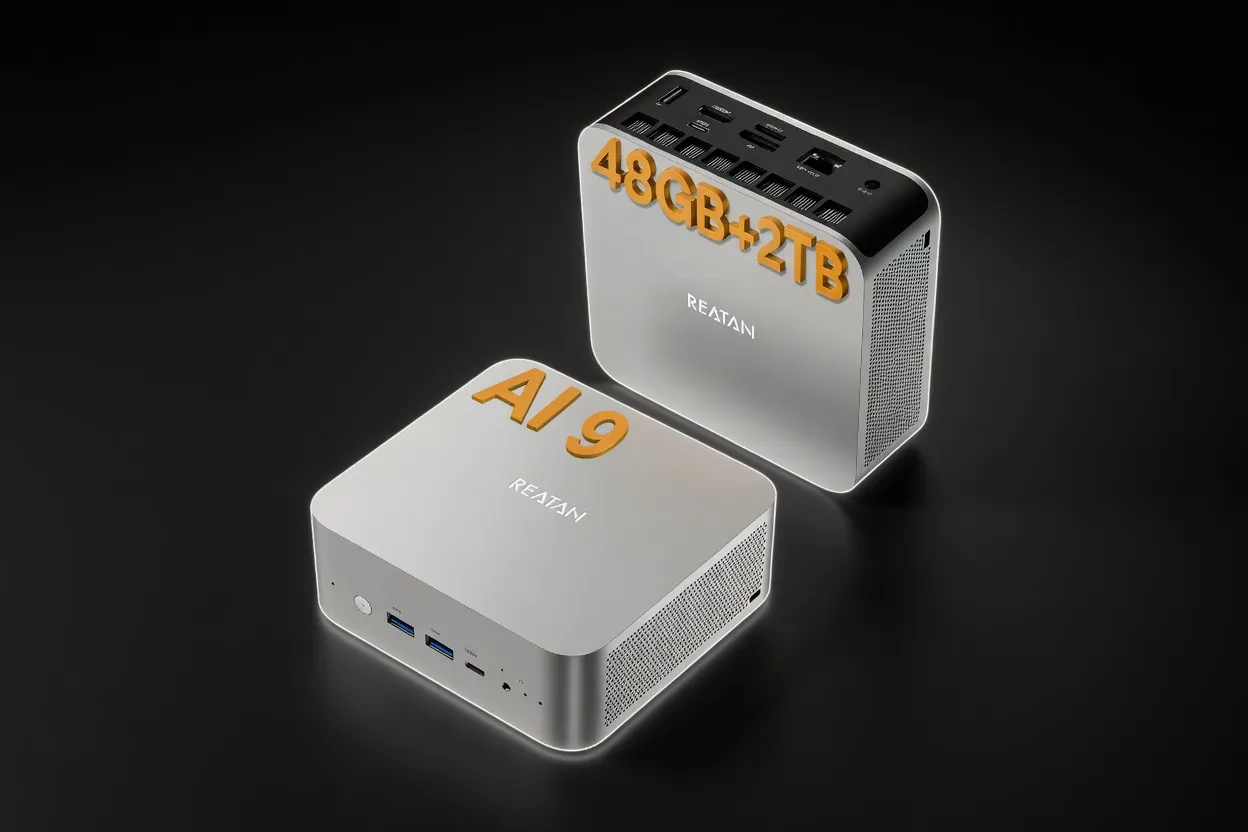
Reatan Mini Gaming PC (Ryzen AI 9 HX 470 with Speaker)
16 GB54 W
Edge AIMobile / On-DeviceEnergy Efficient
$999
Buy on Amazon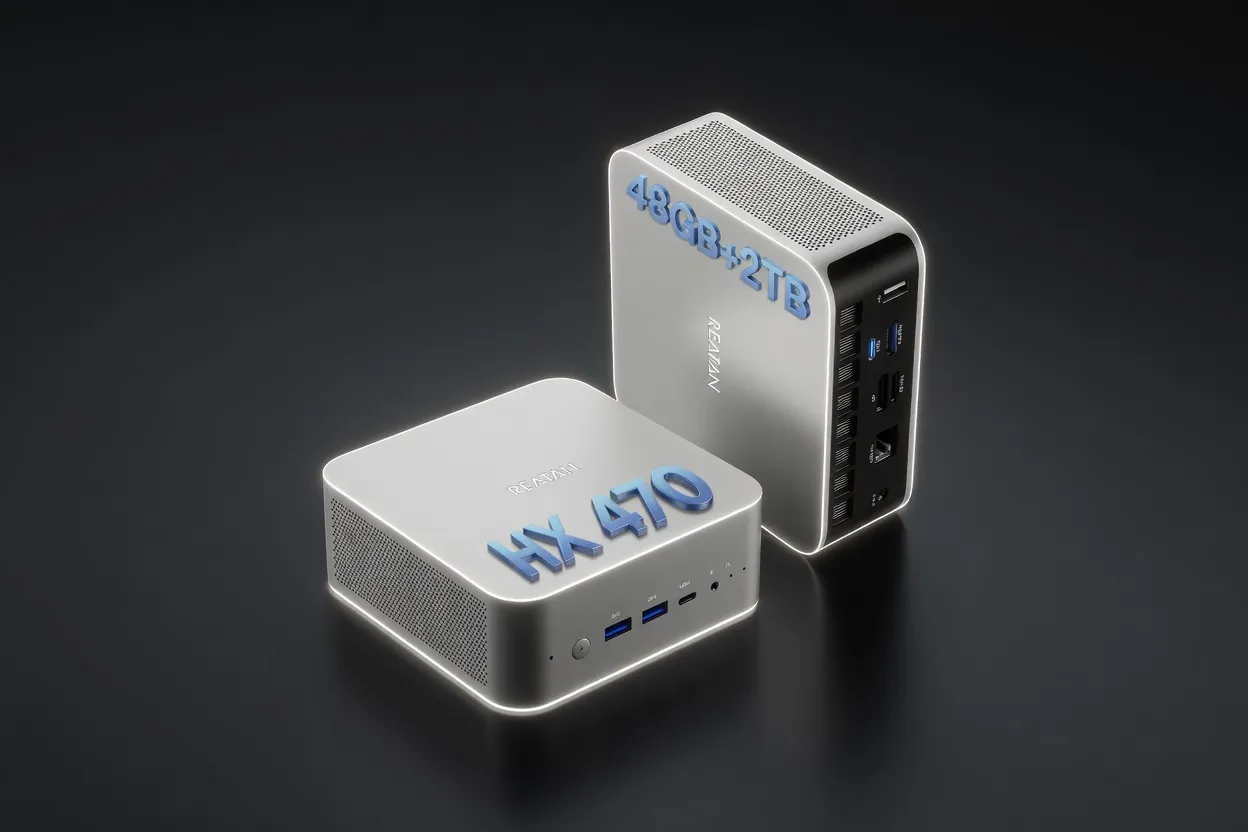
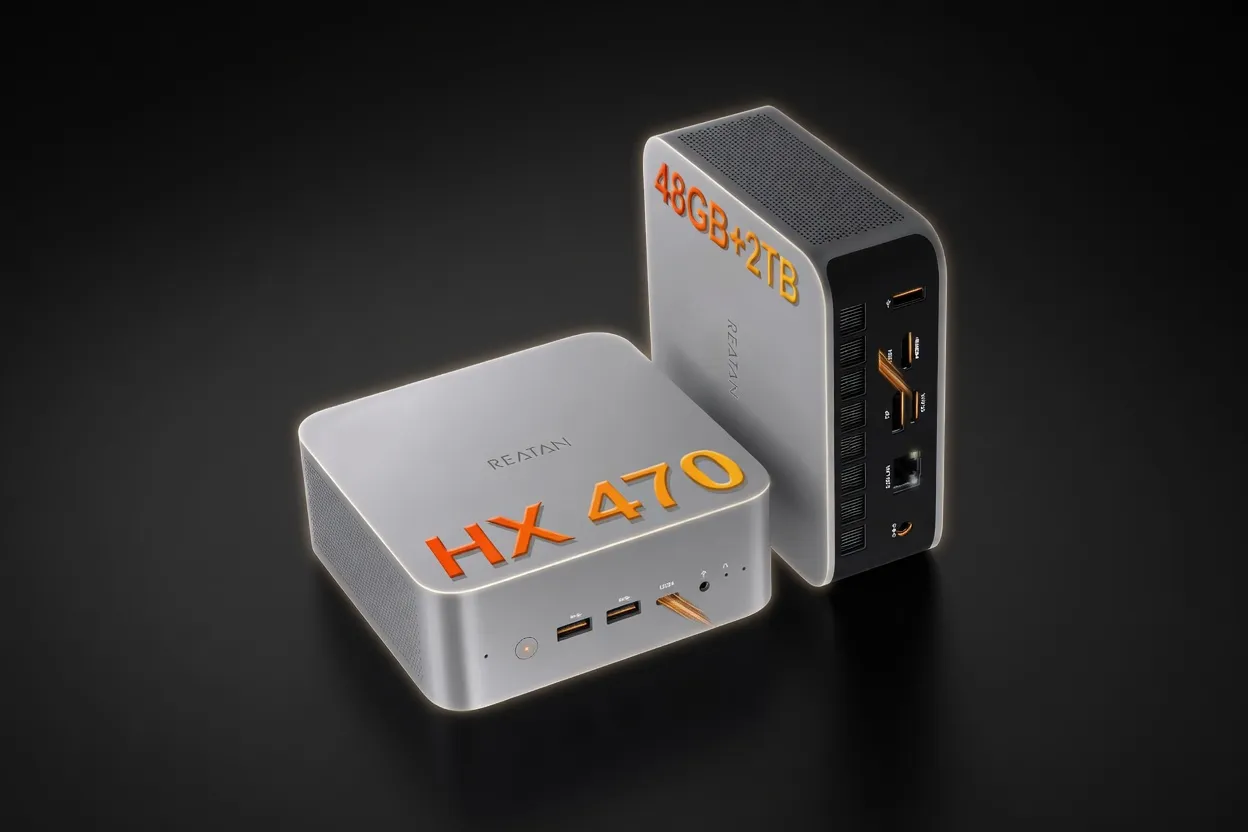
Reatan X8 (Ryzen AI 9 HX 470 48GB)
16 GB54 W
Edge AIMobile / On-DeviceEnergy Efficient
$999
Buy on Amazon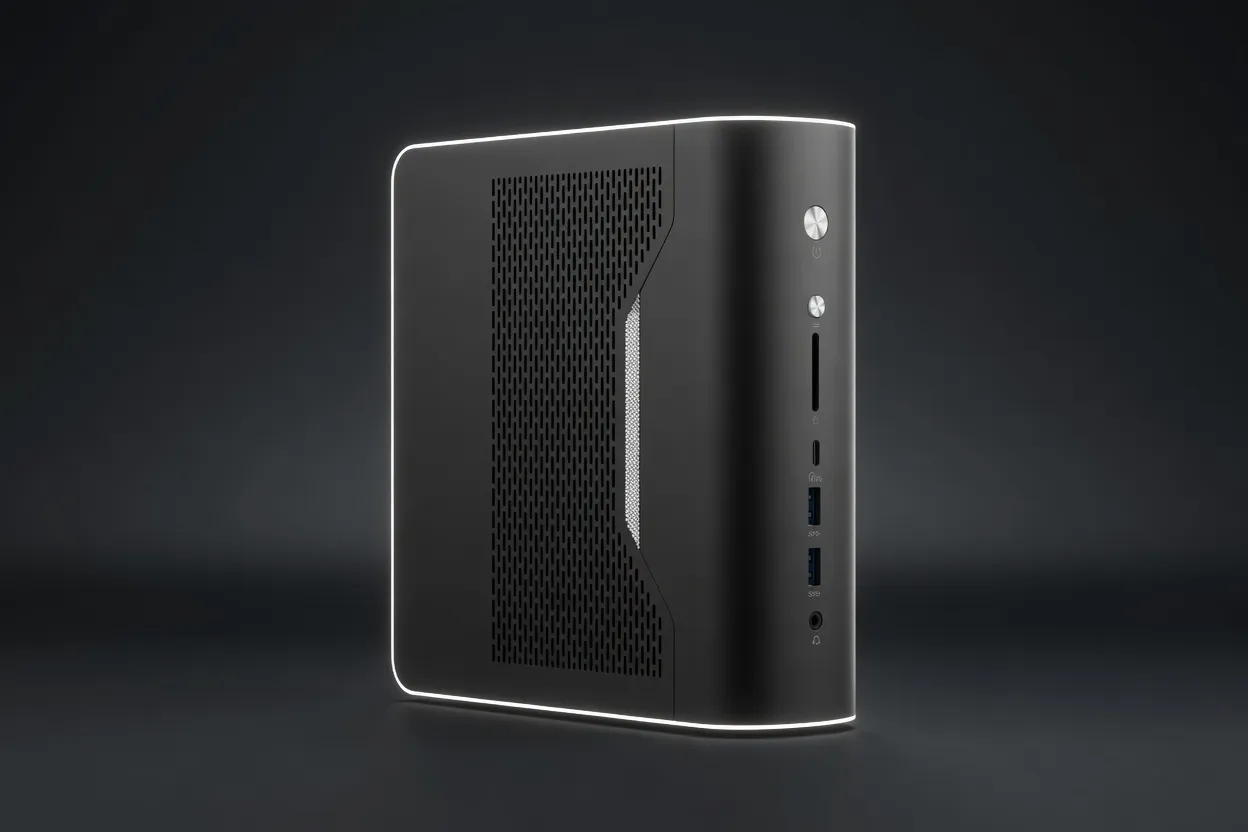
NIMO Mini PC (Ryzen AI Max+ 395 128GB)
96 GB120 W
Best for LLMsEdge AIEnergy Efficient
$2,299
Buy on Amazon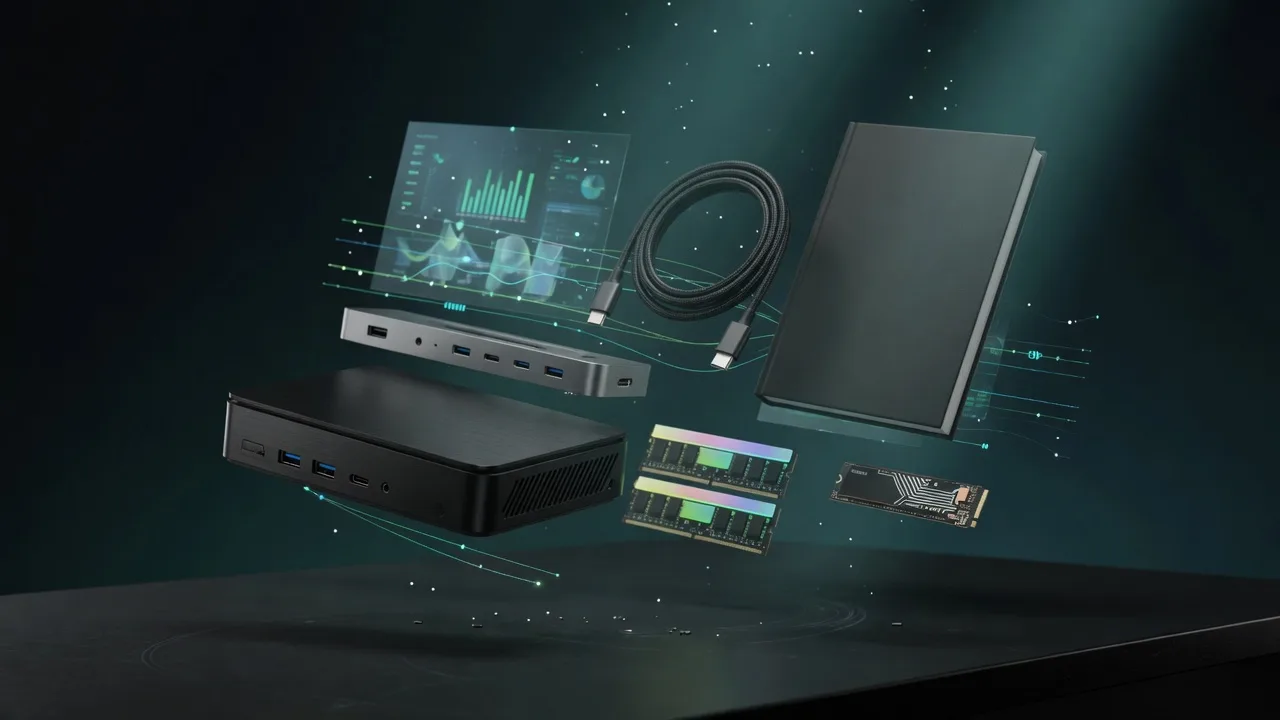
Also in Our Store
Finish the Build
Docks, fast storage, cables, and a UPS sized for a local AI machine.
Plan Your Setup

GPU Rental Price Index
Rent this class of GPU by the hour before you buy. Live prices from RunPod and Vast.ai.
AI Hardware ROI Calculator
Find the break-even between buying this hardware and paying for a cloud API.
AI Workstation Builder
Get a full budget-matched parts list for a local AI workstation.
Apple Silicon vs RTX
Mac vs NVIDIA for local inference, if you are still choosing a platform.
