Advertising disclosure: we earn commissions when you shop through the links below.
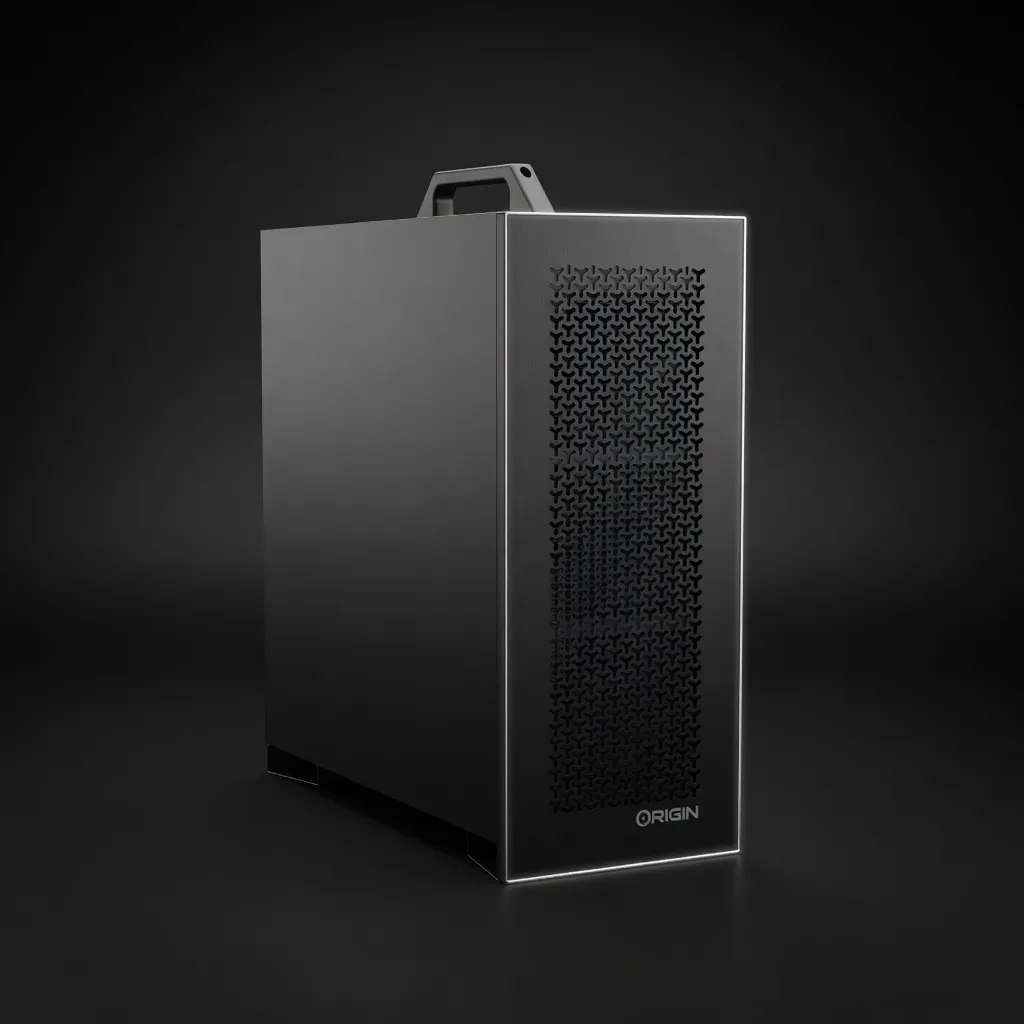
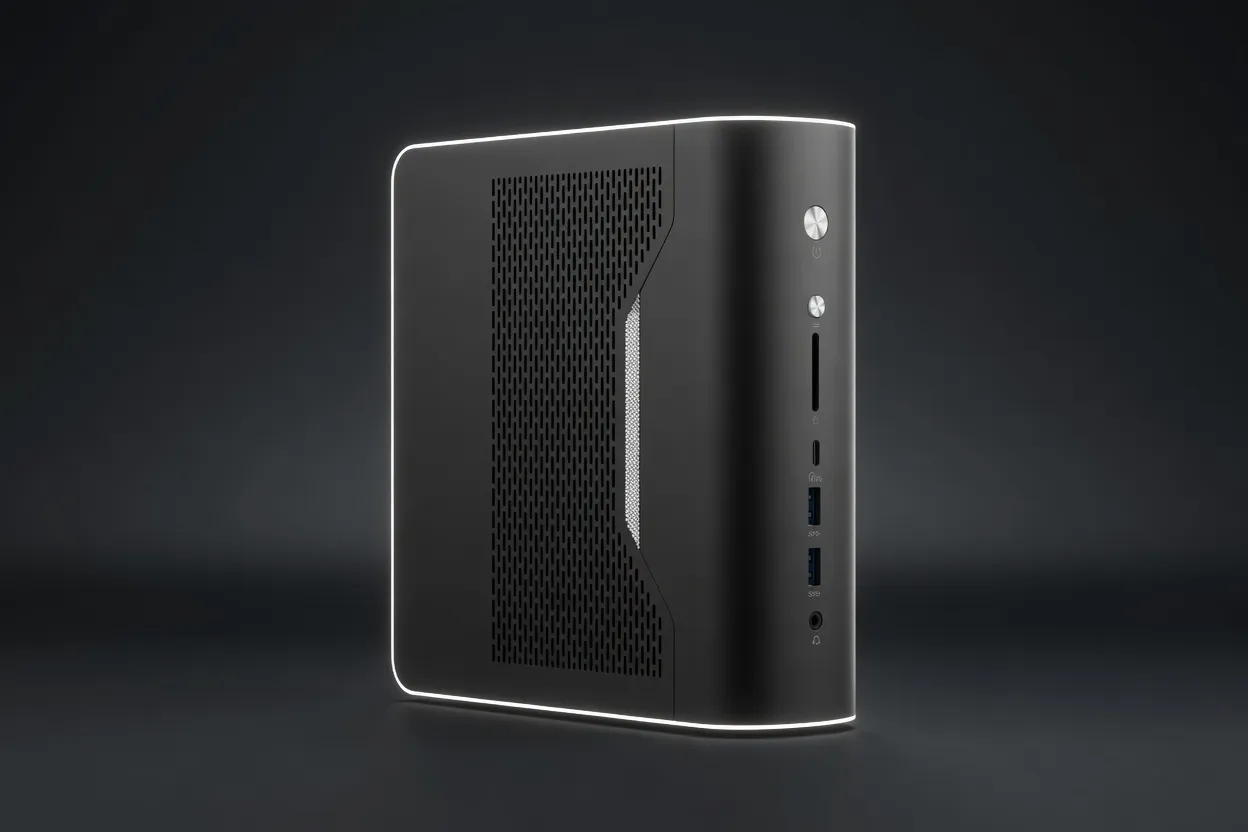
Mid-tower AI workstation with RTX 5090 32GB and Ryzen 9 9950X. Corsair-cooled, 6TB NVMe, ready for local inference out of the box. Supports up to 4 GPUs, backed by Origin PC lifetime support.
A 70B Q4 quant fits with usable context budget left over. Sweet spot if you want a single card that handles every open model worth running locally today. High TDP — plan for adequate cooling and a beefy PSU; not the right pick for compact desktops.
Generated from this product’s spec sheet. Editor reviews refine it over time.
The Origin PC M-CLASS v2 is a mid-tower AI workstation engineered for practitioners who need to run large language models locally without compromise. Origin PC, a US-based boutique builder with a reputation for lifetime support and hand-built quality, targets this machine squarely at the prosumer and professional AI market. It’s not a data-center server, but it delivers data-center-grade inference throughput in a desk-friendly chassis.
At $6,379, the M-CLASS v2 sits in the premium tier of AI PCs and laptops. It competes directly with high-end custom builds, Lambda Labs’ pre-configured workstations, and the upper echelon of Apple’s Mac Studio with M2 Ultra. Its defining advantage is the NVIDIA GeForce RTX 5090 with 32 GB of GDDR7 VRAM and a massive 1792 GB/s memory bandwidth—numbers that put it ahead of any consumer GPU currently available for local inference. Backed by a 16-core AMD Ryzen 9 9950X, 64 GB of DDR5-6000 RAM, and 6 TB of NVMe storage, this machine is ready to pull models from Hugging Face and start generating tokens out of the box.
The RTX 5090’s 32 GB VRAM is the headline spec. It enables you to load 70B-parameter models at Q4 quantization comfortably, with headroom for context windows up to 128K tokens. For smaller models, you can run multiple instances for agentic workflows or batch inference. The 32 GB buffer also handles multimodal models (e.g., LLaVA, Qwen-VL) without swapping to system RAM.
Token generation speed is bottlenecked by memory bandwidth, not compute. At 1792 GB/s, the RTX 5090 delivers approximately 1.8x the bandwidth of an RTX 4090 (1008 GB/s). In practice, this translates to roughly 80–120 tokens per second for a 7B model at Q4, and 20–40 tokens per second for a 70B model at Q4. These are real-time, interactive speeds—not batch throughput.
For inference, FP16 TFLOPS matter less than bandwidth, but they become relevant when you run speculative decoding or need to process long context with flash attention. 105 TFLOPS is more than adequate for all current open-weight models. For fine-tuning small adapters (LoRA/QLoRA), this GPU can handle modest training workloads, though it’s not a training-first machine.
The system draws up to 750 W under full GPU load, supplied by a 1200 W Corsair RM1200x SHIFT PSU. The Corsair iCUE LINK TITAN 360 AIO keeps the Ryzen 9 9950X cool during sustained all-core workloads. The chassis is a Sliger M-CLASS full-tower (7.6" x 18.3" x 18.3") with support for up to four GPUs—meaning you could add three more RTX 5090s for 128 GB total VRAM, scaling to 300B+ models.
| Component | Detail |
|---|---|
| GPU | NVIDIA GeForce RTX 5090 32 GB GDDR7 |
| VRAM | 32 GB |
| Memory Bandwidth | 1792 GB/s |
| FP16 Performance | 105 TFLOPS |
| CPU | AMD Ryzen 9 9950X (16C/32T, up to 5.7 GHz) |
| RAM | 64 GB DDR5-6000 (2x32 GB Corsair Vengeance) |
| Storage | 2 TB PCIe 5.0 (OS) + 4 TB PCIe 4.0 (Data) |
| PSU | 1200 W 80+ Gold |
| Cooling | 360 mm AIO (CPU) |
| GPU Expansion | Up to 4 GPUs (additional cards not included) |
| Warranty | Lifetime labor, 2-year parts |
This is where the M-CLASS v2 earns its keep. Here’s a breakdown by model size and quantization.
The 32 GB VRAM handles LLaVA-NeXT-34B (Q4, ~22 GB) with room for image inputs. For Qwen2-VL-72B, you’ll need Q3 or lower. Long-context tasks (e.g., 128K tokens with Llama 3.1 70B) are viable with Flash Attention v2 and the high bandwidth.
If you’re iterating on prompts, testing RAG pipelines, or evaluating model behavior, the M-CLASS v2 eliminates cloud latency and API costs. You can swap between models in seconds, run ablation studies locally, and keep your data private.
For teams building agentic workflows (e.g., LangChain, CrewAI, AutoGen), this machine can host multiple models simultaneously. Run a 7B agent for routing, a 32B for reasoning, and a vision model for image analysis—all on one GPU with CUDA graphs and continuous batching.
If you want a ChatGPT-level experience without subscriptions or data leaving your machine, the M-CLASS v2 delivers. You can run Llama 3.1 70B at Q4 with sub-second latency for single-turn responses.
With the ability to add up to three more RTX 5090s, the M-CLASS v2 scales to a 128 GB VRAM inference server. That’s enough to serve a 70B model with multiple concurrent users using vLLM or llama.cpp’s server mode.
This is not a training workstation. 32 GB VRAM is enough for QLoRA fine-tuning of 7B–13B models, but full fine-tuning of 70B is impractical. For training, look at multi-GPU configurations or cloud instances.
Building your own RTX 5090 system would cost roughly $5,500–$6,000 in parts (if you can find the GPU at MSRP). The M-CLASS v2’s $6,379 price includes professional assembly, cable management, stress testing, and lifetime labor support. For practitioners who value time over a few hundred dollars, the pre-built warranty and support are worth the premium.
Lambda Labs offers workstations with NVIDIA A10 (24 GB) or A100 (40 GB) GPUs starting around $8,000. While the A100 has 40 GB VRAM and higher FP16 compute (312 TFLOPS), its memory bandwidth is only 1555 GB/s (vs. 1792 on the RTX 5090). For inference, the RTX 5090 is often faster. The A100 pulls ahead for training. The M-CLASS v2 is the better value for pure inference and agentic workflows.
The Mac Studio with 192 GB unified memory can run 70B models at Q8 without offloading, but its memory bandwidth (800 GB/s) is less than half the RTX 5090’s. Token generation speeds are 2–3x slower. The M-CLASS v2 wins on raw throughput and compatibility with CUDA-based frameworks (vLLM, TensorRT-LLM, llama.cpp). The Mac Studio wins on memory capacity for very large models and power efficiency.
When to pick the M-CLASS v2: You need high tokens-per-second for interactive use, you rely on CUDA-accelerated libraries, and you want the option to scale to multiple GPUs later.
The top models this device can run at 4-bit, ranked by fit and speed.
| Model | Grade | Speed | VRAM |
|---|---|---|---|
| minimax-m2.5MiniMax | SS | 63.5 tok/s | 22.7 GB |
| Mixtral 8x7B InstructMistral AI | SS | 126.9 tok/s | 11.4 GB |
| Falcon 40B InstructTechnology Innovation Institute | SS | 59.2 tok/s | 24.4 GB |
| Qwen3.5-9BAlibaba | SS | 58.7 tok/s | 24.6 GB |
| Gemma 4 26B-A4B ITGoogle | SS | 131.0 tok/s | 11.0 GB |
Also in Our Store
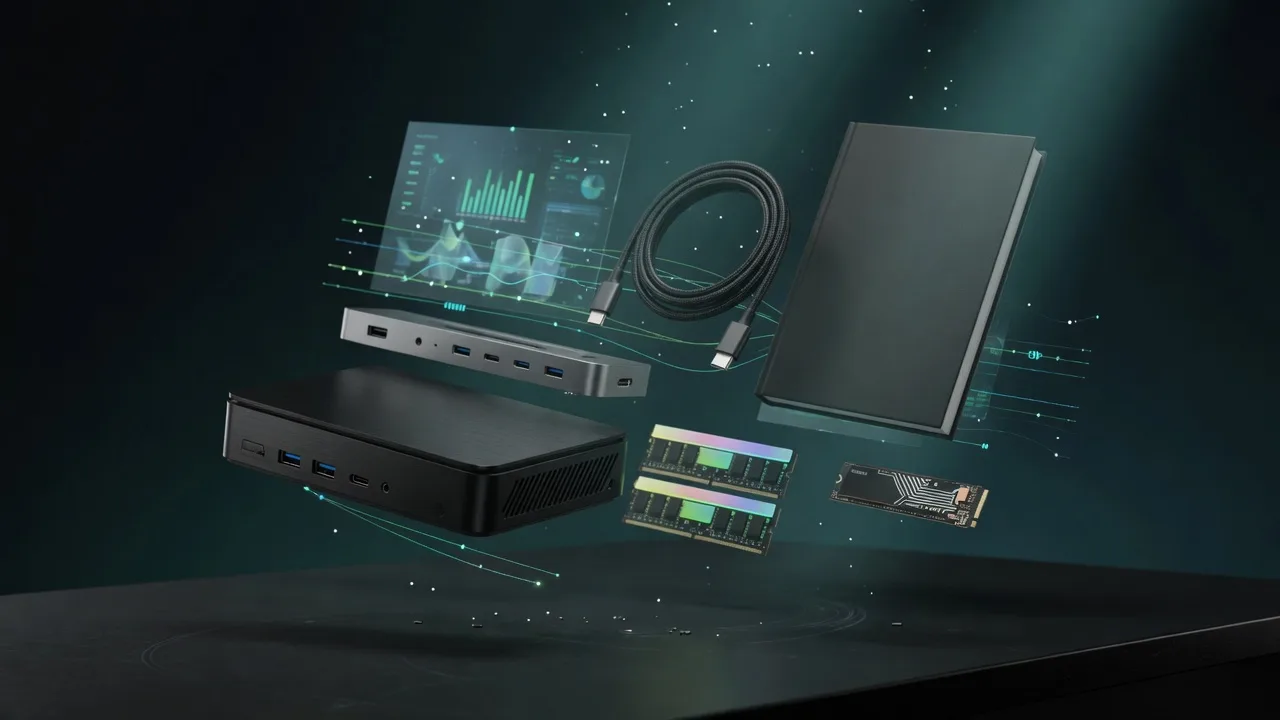
Docks, fast storage, cables, and a UPS sized for a local AI machine.

Rent this class of GPU by the hour before you buy. Live prices from RunPod and Vast.ai.
Find the break-even between buying this hardware and paying for a cloud API.
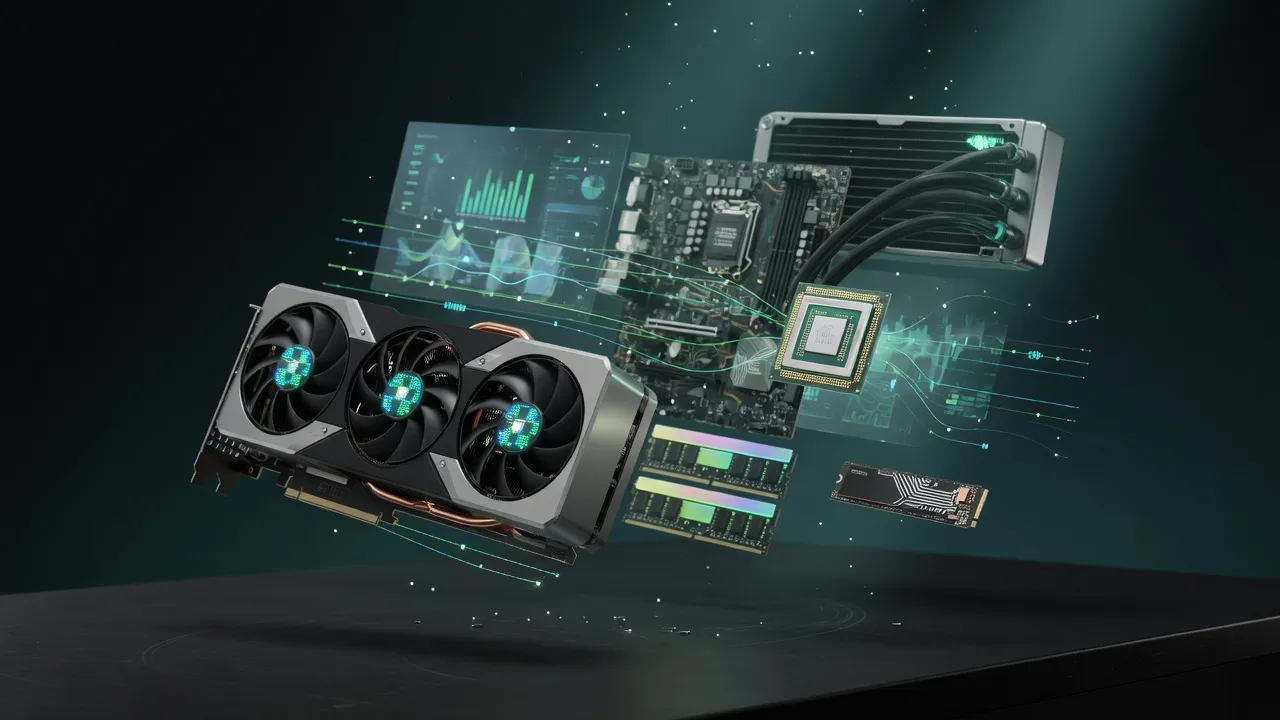
Get a full budget-matched parts list for a local AI workstation.
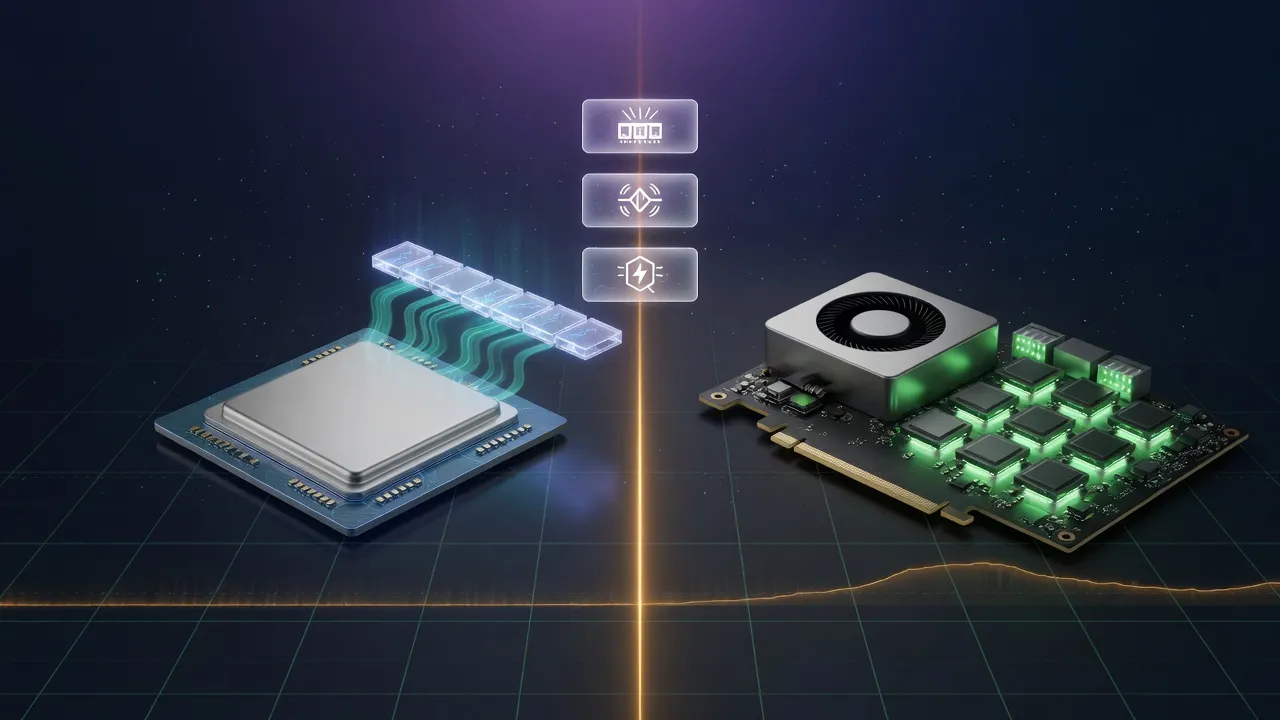
Mac vs NVIDIA for local inference, if you are still choosing a platform.