- Services

PewDiePie's open-source, self-hosted AI workspace that runs on your own hardware.
GitHub Stars
84.8K
3%Contributors
317
Release Downloads
—
Latest Version
—
The engines this app runs on and the models it ships with, linked into the rest of the research stack.
Odysseus is a self-hosted AI workspace created by PewDiePie (Felix Kjellberg). It is not a toy project or a celebrity side hustle: the codebase is real, runs on your own hardware, and bundles chat, autonomous agents, deep research, documents, notes, email, and model comparison into a single private dashboard. It competes with tools like LM Studio, Ollama, Open WebUI, and AnythingLLM, but covers more ground than any single one of them. Odysseus is a Chat GUI, an Agent Runner, and a Model Manager rolled into one. The philosophy is explicit: own your AI instead of renting it. The repository crossed over 79,000 GitHub stars on the dev branch within weeks of its May 2026 release, a signal that the approach resonates with developers and home-lab operators who want local control without sacrificing capability.
Odysseus gives you a browser-based interface that runs entirely on your machine. You connect it to local inference engines like Ollama, llama.cpp, LM Studio, or vLLM, or to cloud APIs from OpenAI, Anthropic, or OpenRouter. The core experience starts with chat: multi-turn conversations across any connected model, with persistent memory that the assistant builds and recalls across sessions. You can flip on agent mode to let the assistant plan, call tools, and work through multi-step tasks autonomously. Built-in tools include bash shell access, file operations, web search, and memory. You can also attach any MCP server for custom tool integration, toggling each tool per session.
Beyond chat, Odysseus includes a Deep Research module that gathers, reads, and synthesizes sources into a written report. The Compare view sends one prompt to several models at once and displays their answers side by side, blind or labeled. The Documents area is a writing-first editor with AI edits, suggestions, Markdown, HTML, CSV, and syntax highlighting. There is also an Email Assistant that connects over IMAP/SMTP for summaries, draft replies, auto-tagging, and spam triage. Notes, tasks, calendar, and a gallery/image editor round out the workspace. The app exposes no local API server by default; all interaction happens through the web UI, which is served from within the Docker container on http://localhost:7000.
Odysseus is free and open source under AGPL 3.0. No subscription, no telemetry. It runs on macOS, Windows, and Linux. The recommended install path is Docker: clone the repo, copy the environment file, and run docker compose up -d --build. Native install scripts exist for macOS and Windows (PowerShell) but are less tested. Confirmed GPU acceleration on Apple Silicon (MPS) and NVIDIA (CUDA). CPU-only works for smaller models. The app does not bundle an inference engine; you need Ollama, LM Studio, llama.cpp, or vLLM installed separately to serve local models. The Cookbook feature helps you pick and download models matched to your hardware, so you are not left guessing. There is no cloud dependency and no account required, unless you choose to connect external APIs.
All-in-one workspace. Chat, agents, research, documents, notes, email, calendar, and model comparison live in the same private dashboard. You do not need to juggle five apps.
Backend-agnostic. Point Odysseus at any local or cloud endpoint. It works with Ollama, llama.cpp, LM Studio, vLLM, OpenAI, Anthropic, OpenRouter, and any OpenAI-compatible API.
The Cookbook. Hardware-aware model recommendations across 270+ catalogued models. It shows which models fit your RAM and GPU, provides download links, and offers one-click serving configuration so you go from selection to running in fewer steps.
MCP support. Connect any Model Context Protocol server to extend the assistant with custom tools, databases, or APIs. Tools are toggled per conversation, giving you fine-grained control over what the agent can touch.
Agent mode with skills. The assistant can write, refine, and reuse its own skills. It becomes more capable over time without requiring you to handcraft prompts every session.
Deep Research. Multi-step research runs that gather sources, read them, and synthesize a report. All processing stays on your machine when using local models.
Privacy by default. No telemetry. No external calls unless you explicitly connect a cloud model. Data stays in your container. Third-party audits (e.g., Future Stack Reviews) confirmed that local-model chat turns produce no external network flows.
Private ChatGPT replacement. Run a full-featured AI workspace entirely on your own hardware with nothing leaving your machine. Best for people who need offline capability or have data they do not want to send to cloud providers.
Local model development and testing. Use the Compare view to test multiple models side by side before deciding which to deploy. The blind comparison mode removes bias.
Agentic research and document work. Run multi-step research and document editing with local models and tools. The agent can call web search, read files, and write output, all within the same UI.
Email triage and drafting. Connect an IMAP account for AI-powered summaries, drafts, and spam triage. Useful for power users who want to keep email processing local.
Who should look elsewhere. Non-technical users who want a five-minute installer will struggle with Docker and command-line setup. Anyone needing a sandboxed agent tool should be aware that the bash tool is not sandboxed and effectively grants shell access. Sensitive production deployments should audit the threat model.
1 git clone https://github.com/pewdiepie-archdaemon/odysseus.git2 cd odysseus3 cp .env.example .env
Edit .env to set a secure admin password and, optionally, your cloud API keys.
1 docker compose up -d --build
The first admin password is printed in docker compose logs odysseus. Open http://localhost:7000.
The full setup guide, GPU notes, and HTTPS instructions are in docs/setup.md in the repo. The community is active on GitHub Issues and the dev branch receives daily updates.
Odysseus vs. LM Studio. LM Studio is a focused local model runner with a clean chat UI, but it does not include agents, research, email, or a document editor. Choose LM Studio if you only need to browse and chat with models. Choose Odysseus if you want a single app that also handles research, agents, notes, and email — and you are comfortable with Docker.
Odysseus vs. Open WebUI. Open WebUI is a popular self-hosted chat interface with RAG, tools, and multi-user support. It is lighter and easier to deploy. Odysseus offers more built-in features (email, calendar, image editor, skills system) but is heavier to run. If you need a straightforward chat and document Q&A tool, Open WebUI may be faster to set up. If you want a personal AI workspace that replaces several separate apps, Odysseus covers more ground.
Odysseus vs. Ollama. Ollama is an inference engine, not a full workspace. Odysseus needs Ollama (or another engine) to serve local models. They are complementary: Ollama handles the model serving, Odysseus provides the interface and tooling.
Pros. One private app covers chat, agents, research, documents, email, and more. Runs entirely on your hardware with no telemetry. Backend-agnostic, so it works with several local engines or cloud APIs. The Cookbook reduces the guesswork in model selection.
Cons. The breadth of features can feel overwhelming at first. Setup is Docker and command line, not a one-click installer. Getting the most out of it assumes capable local hardware. The agent bash tool has no sandbox — treat it as shell access. The dev branch can be unstable; use main for a more curated release.
What the app gives you out of the box, in plain language.
Chat, agents, web research, documents, notes, and model comparison in a single private dashboard.
Connect to local engines like Ollama, llama.cpp, LM Studio, or vLLM, or to cloud APIs.
Hardware-aware model recommendations with downloads and one-click serving, so you skip the guesswork.
The jobs this app is best suited for.
Run a full-featured AI workspace on your own hardware with nothing leaving your machine.
Test models blind, side by side, before deciding what to run.
Run multi-step research and document work with local models and tools.
Free and open source. No subscription and no telemetry.
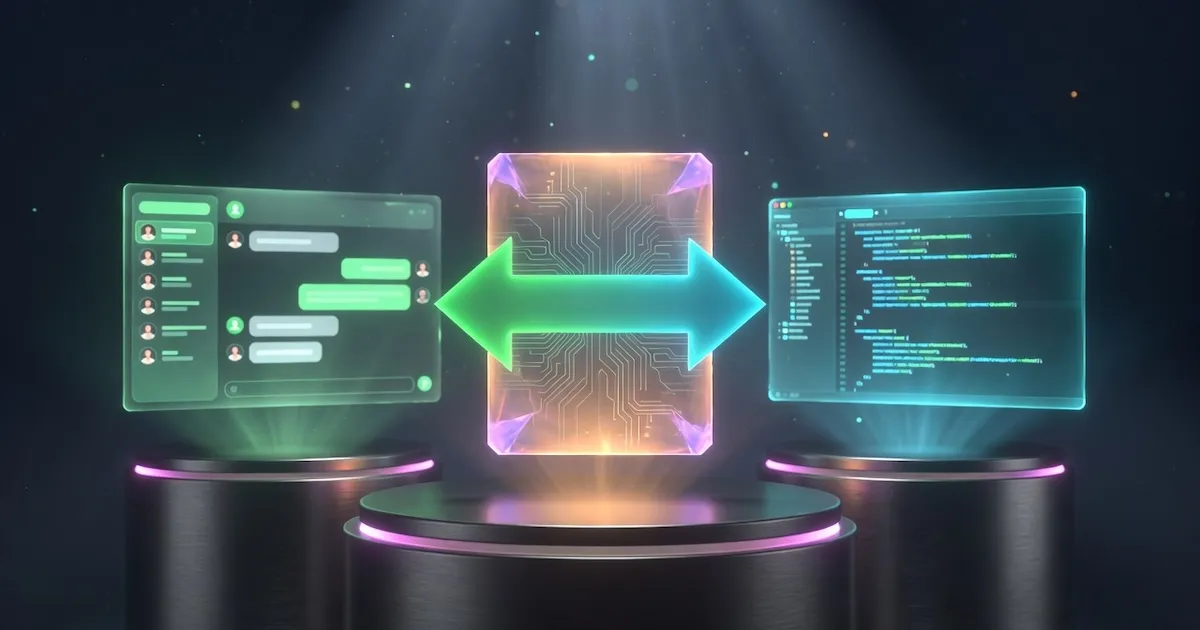
Side-by-Side
Add a second or third app and see stars, downloads, platforms, and capabilities lined up next to each other.
Close alternatives worth a look before you decide.

Discover, download, and run open models on your own computer, no command line needed.
LM Studio is a desktop app for downloading and chatting with open models on Mac, Windows, and Linux. It has a built-in chat window and a local server that speaks the OpenAI API, so it works for quick testing and for wiring models into your own apps.
Running open models from a polished desktop GUI
Download from lmstudio.aiStars
—
Downloads
—

A native desktop app for Nous Research's self-improving Hermes agent.
Hermes Desktop is the desktop app for Hermes Agent, the open-source AI agent from Nous Research. It runs the same agent as the command line, with memory, skills it builds over time, MCP tools, and voice, all in a clean window with no terminal. Works with local and cloud models.
A self-improving AI agent on your desktop
Download from hermes-agent.nousresearch.comStars
221.2K
Downloads
1.3K

Anthropic's Claude as a native desktop app, with built-in support for local tools through MCP.
Claude Desktop puts Anthropic's Claude models in a native app for Mac and Windows. It was the first place MCP landed, so Claude can read your files and use local tools and services directly. It runs on your Claude account, free tier included, with more usage on Pro and Max.
Claude on the desktop with first-class MCP
Download from claude.com/downloadStars
—
Downloads
—
Your native open source AI agent for code, workflows, and everything in between.
Goose is an open source AI agent you run yourself, as a desktop app, CLI, or API. It goes beyond chat: it installs, runs, edits, and tests code and connects to your tools via MCP. Works with 15+ providers, cloud or local via Ollama. Built by Block, now at the Linux Foundation.
An open source agent that does real work on your machine
Download from goose-docs.ai (or brew install --cask block-goose)Stars
54.7K
Downloads
22.7K
A desktop AI app is a program you install on your computer to chat with, code with, run agents on, or fine-tune AI models. It sits on top of the inference engines and models that do the real work and gives you a friendly interface instead of a command line.
Odysseus is offered under a Open Source model. Check the pricing section on this page and the app’s own site for the latest details, since tiers and limits change over time.
Odysseus is maintained by PewDiePie (Felix Kjellberg). See the capabilities section above for the exact list of platforms it supports, along with whether it runs models locally, connects to cloud APIs, or both.