
- Services
Advertising disclosure: we earn commissions when you shop through the links below.
The Lenovo Googlebook 15 is a 15.3-inch laptop running Googlebook OS, Google's replacement for ChromeOS, and it goes on sale October 4 starting at $1,099.99 with a year of Google AI Pro included. It pairs an Intel Core Ultra 5 325 processor with up to 47 TOPS of on-device AI performance, 16GB or 32GB of LPDDR5X memory, and 256GB or 512GB of storage. The 2880x1800 OLED touchscreen runs at 120Hz with 500 nits and 100% DCI-P3 coverage, and Lenovo says the 1.29 kg metal chassis is the lightest 15-inch laptop in its portfolio. Ports include two Thunderbolt 4, one USB-A 3.2, HDMI 2.0 and a headphone jack, with Wi-Fi 7 and Bluetooth 6.0.
The Lenovo Googlebook 15 is a 15.3-inch laptop running Googlebook OS, Google's replacement for ChromeOS, and it goes on sale October 4 starting at $1,099.99 with a year of Google AI Pro bundled in. Lenovo's internal product sheet identifies the model as the GB 15IPH12, though the manufacturer field in this directory remains unverified, so treat the Lenovo attribution as the source of record and confirm at purchase. What matters for this audience is the shape of the machine: an Intel Core Ultra 5 325, up to 47 TOPS of on-device AI throughput, 16GB or 32GB of soldered LPDDR5X, and a 2880x1800 120Hz OLED touchscreen on a 1.29 kg metal chassis that Lenovo claims is the lightest 15-inch laptop in its portfolio.
Position it as a prosumer productivity machine with a serious AI sidecar, not an inference workstation. There is no discrete GPU and no dedicated VRAM. Every model you run competes with the operating system for the same unified memory pool, and the ceiling on decode speed is memory bandwidth rather than the 47 TOPS number on the spec sheet. Buyers who understand that distinction will get real value out of this laptop for agentic workflows, local assistants, and lightweight coding models. Buyers who expect RTX-class throughput will be disappointed.
The other thing to note before the specs: the AI story here is hybrid by design. Googlebook OS leans on Gemini Intelligence, Android phone integration, and a dedicated Google key, and the bundled year of Google AI Pro pushes the heavy work to Google's cloud. Local inference is the complement, not the headline. If your workload can leave the machine, this laptop is a thin client with a very good screen. If it cannot, read on.
The Core Ultra 5 325 belongs to Intel's Panther Lake generation and pairs a CPU complex with an Xe3-based Arc integrated GPU and an NPU. Lenovo quotes up to 47 TOPS for on-device AI, a platform-level INT8 figure in the same range as the Snapdragon X Elite and AMD's Ryzen AI 300 parts. TOPS is a throughput metric for matrix math, and it says almost nothing about how fast a large language model will generate tokens. Prompt processing (prefill) is compute-bound and benefits from that number. Token generation (decode) is memory-bound and does not.
The 16GB and 32GB LPDDR5X configurations are soldered, shared between CPU, GPU, and NPU, and not user-upgradable. Lenovo does not publish a bandwidth figure, but LPDDR5X on a 128-bit bus lands in the 100-140 GB/s class, and an integrated GPU typically realizes well under half of theoretical bandwidth once you account for driver overhead, shared traffic, and thermal limits. That puts realistic decode throughput well below what an Apple M4 (roughly 120 GB/s of unified memory) achieves on the same model, and far below any discrete GPU with 400+ GB/s of VRAM.
The practical VRAM story: expect to allocate somewhere between 8GB and 12GB of usable GPU memory in the 16GB config, and somewhere around 18GB to 24GB in the 32GB config once Googlebook OS and your working set take their share. That is the number that determines which models fit, not the 16 or 32 on the box.
256GB or 512GB of fixed storage disappears fast. A single 32B model at Q4_K_M is roughly 19GB on disk, and a working library of three or four models plus their KV caches will eat a quarter of a 256GB drive. If local inference is the reason you are buying, budget for the 512GB tier and consider external Thunderbolt 4 storage.
The estimates below assume llama.cpp or an equivalent runtime with a mature Vulkan or SYCL backend, 32GB of system memory, ambient thermals, and short-to-moderate context. Subtract roughly 30 to 40 percent for the 16GB configuration on anything above 12GB of footprint. Treat these as planning numbers, not benchmarks.
| Model | Quantization | Footprint | Fits 16GB / 32GB | Est. decode |
|---|---|---|---|---|
| Llama 3.2 3B | Q4_K_M | ~2.0GB | Yes / Yes | 35-50 tok/s |
| Llama 3.1 8B, Qwen 2.5 7B | Q4_K_M | ~5GB | Yes / Yes | 12-18 tok/s |
| Mistral 7B | Q8_0 | ~8GB | Yes / Yes | 8-12 tok/s |
| DeepSeek-R1-Distill-Qwen-14B | Q4_K_M | ~9GB | Yes / Yes | 7-10 tok/s |
| GPT-OSS-20B (MoE, ~3.6B active) | MXFP4 | ~12GB | Marginal / Yes | 20-35 tok/s |
| Qwen3 30B-A3B (MoE, ~3B active) | Q4_K_M | ~18GB | No / Yes | 15-25 tok/s |
| Mistral Small 24B | Q4_K_M | ~14GB | No / Yes | 6-9 tok/s |
| Llama 3.3 70B | Q4_K_M | ~40GB | No / No | Not viable |
Q4_K_M is where this hardware makes sense. You get near-lossless quality on 7B to 14B dense models while staying inside the memory budget with room for context. Step up to Q8_0 only on 7B-class models where the file still fits comfortably. Step down to Q3_K_M for a 24B or 32B dense model and you will feel the quality loss in reasoning tasks well before you notice the speed gain.
Mixture-of-experts models are the standout play here. Qwen3 30B-A3B and GPT-OSS-20B activate only a fraction of their parameters per token, so decode cost scales with active parameters while capability scales with total parameters. On a bandwidth-constrained shared-memory machine, that is exactly the trade you want. A 30B-A3B at Q4 is a better use of 32GB than a 24B dense model.
The Xe3 Arc iGPU and NPU handle vision and speech encoders competently: SigLIP-class vision towers, Whisper-class transcription, and small diffusion models for image generation all run on this class of hardware. Long context is where shared memory bites. KV cache for a 14B model at 32K tokens in FP16 can add several GB, so plan on KV quantization (Q8_0 or Q4_0 cache) if you want long-context agent loops in the 32GB config. Agents that hold tool definitions, conversation history, and retrieved documents in context will hit the wall faster than chat users.
Good fit: developers running local coding assistants on 7B to 14B models while on the road, agent builders who need an always-on LLM endpoint with a keyboard attached, hobbyists who want a premium OLED laptop that also runs a local chatbot, and anyone already inside Google's ecosystem who wants Gemini one keypress away and offline models as a fallback.
Poor fit: anyone training or fine-tuning beyond LoRA on small models, teams serving concurrent inference to multiple users, and workloads that depend on 70B-class reasoning. The 70B question has a short answer: it does not fit, and offloading to disk or system RAM drops you to sub-1 tok/s, which is unusable interactively.
Training versus inference: this is an inference machine. LoRA fine-tunes on a 3B or 7B model are possible but slow enough that renting a cloud GPU is cheaper than the wall-clock time. Full fine-tunes are off the table.
MacBook Air 15 (M4, 16GB, $1,199): the natural rival. Apple's unified memory delivers comparable or better bandwidth, and the MLX plus Metal ecosystem is significantly more mature than the Vulkan and SYCL paths on Intel integrated graphics. For pure local LLM work at this price, the Air wins on software and on sustained memory throughput. The Googlebook 15 counters with a 120Hz OLED touchscreen, 32GB as an option, two Thunderbolt 4 ports, and Wi-Fi 7. Pick the Lenovo if the display and RAM ceiling matter more than the runtime.
An RTX 5060-class laptop (~$1,100-$1,300): slower CPU, worse screen, heavier chassis, but roughly 8GB of dedicated VRAM at several times the bandwidth. It will generate tokens two to four times faster on models that fit in 8GB, and it can actually train. If raw inference throughput is your primary metric, this is the better buy. The Googlebook 15 wins on portability at 1.29 kg, battery life at up to 12.5 hours, and the option to hold larger MoE models in shared memory than 8GB of VRAM allows.
For practitioners searching for the best hardware for local AI agents in 2026, the honest framing is this: the Lenovo Googlebook 15 is a strong everyday laptop with usable local inference up to about the 14B dense and 30B MoE range, provided you buy the 32GB configuration and accept that a MacBook Air or a cheap dGPU laptop will outrun it on pure tokens per second.
The top models this device can run at 4-bit, ranked by fit and speed.
Specs not available for scoring. This product is missing VRAM or memory bandwidth data.
Also in Our Store
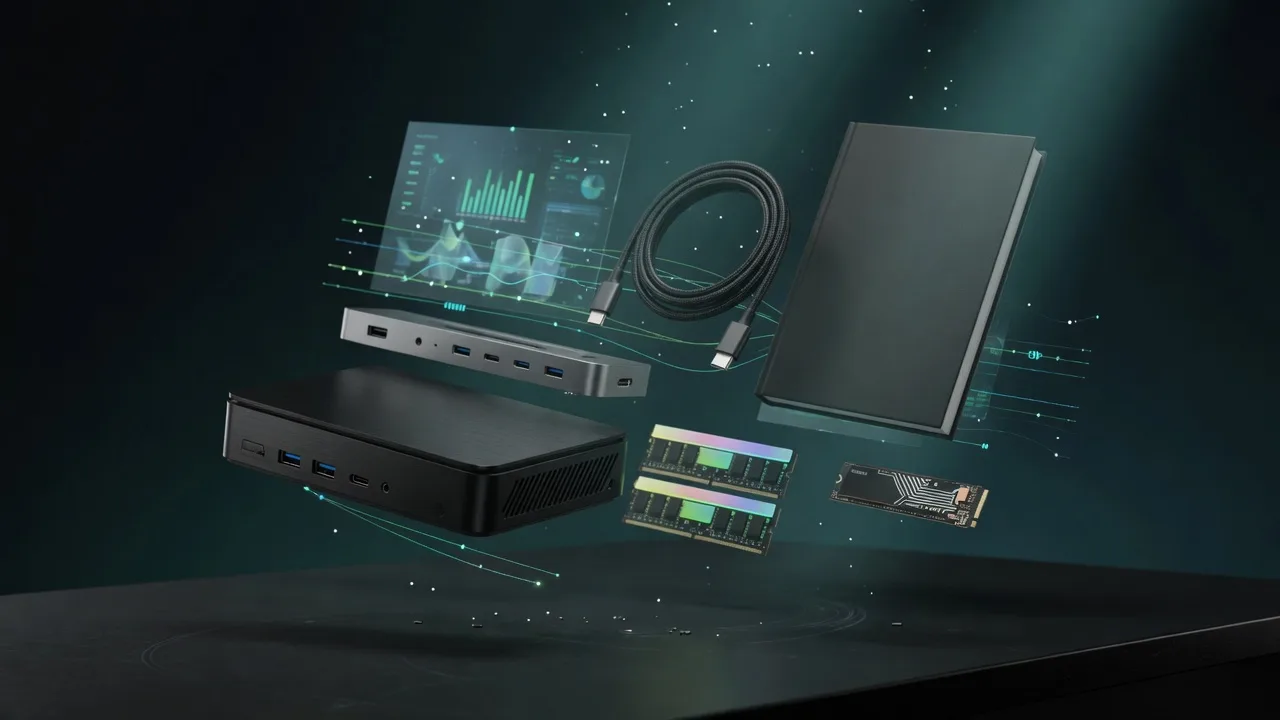
Docks, fast storage, cables, and a UPS sized for a local AI machine.
Rent this class of GPU by the hour before you buy. Live prices from RunPod and Vast.ai.
Find the break-even between buying this hardware and paying for a cloud API.
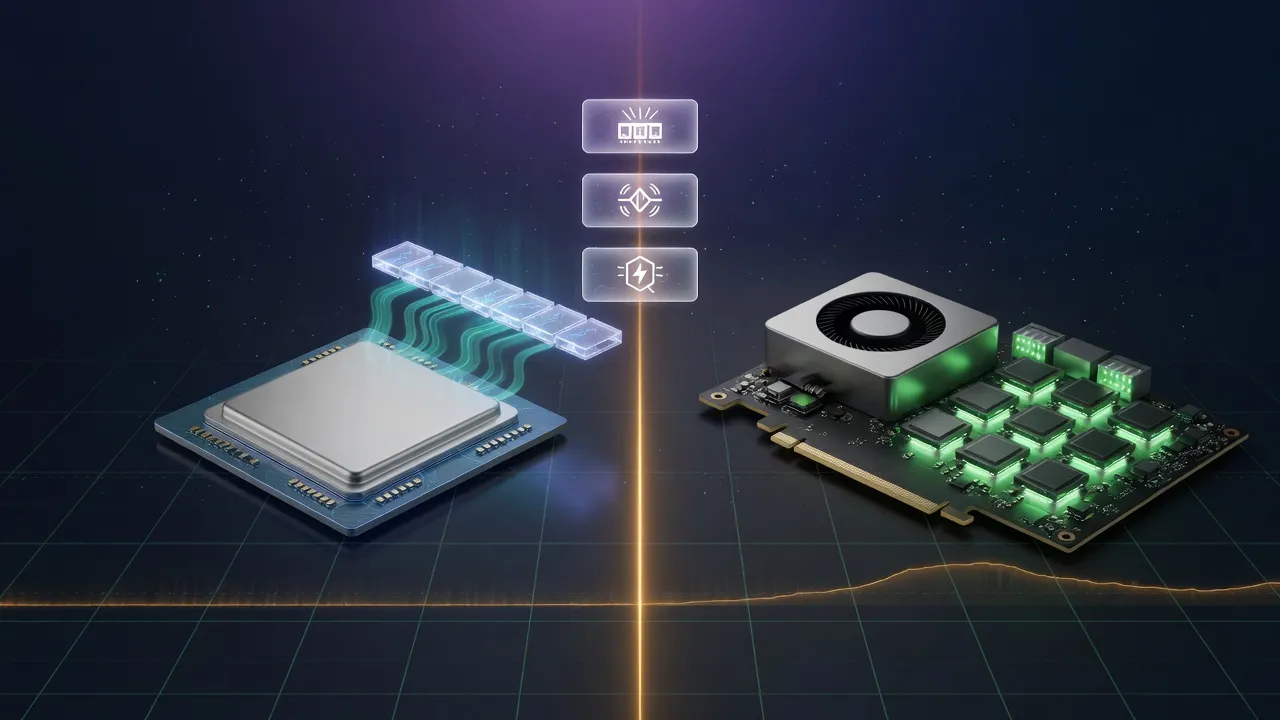
Mac vs NVIDIA for local inference, if you are still choosing a platform.
