
- Services
Advertising disclosure: we earn commissions when you shop through the links below.
Lenovo's ThinkBook 14x is a 14-inch Copilot+ PC built on Intel Core Ultra Series 2 (V Series) processors, up to the Core Ultra 7 266V. The Intel AI Boost NPU reaches up to 48 TOPS and total platform performance is up to 118 TOPS. It ships with a 14-inch 2.8K OLED 120Hz display, 16GB or 32GB of soldered memory, and up to 1TB of storage. It launched in India on 2026-10-07 at Rs 1,08,990.
The Lenovo ThinkBook 14x (14" Intel) is an ultraportable business laptop engineered around Intel Core Ultra Series 2 (V Series) processors, scaling up to the Core Ultra 7 266V. With a platform architecture delivering up to 118 overall platform TOPS, this machine represents Intel's primary hardware play for the Copilot+ PC ecosystem. For AI developers, ML practitioners, and engineers building agentic workflows, it positions itself as a lightweight mobile client designed for local inference, edge runtime testing, and running quantized language models without relying constantly on cloud APIs.
Unlike previous x86 mobile architectures, the Series 2 processors integrate Memory on Package (MoP), mounting either 16GB or 32GB of LPDDR5X-8533 memory directly onto the processor substrate alongside the compute tiles. This design radically reduces trace latency and system power draw while providing unified memory access across the CPU, integrated GPU, and the dedicated neural processing unit. Paired with a 14-inch 2.8K OLED 120Hz display and a compact aluminum chassis, the ThinkBook 14x delivers serious on-device execution capability in a package that consumes minimal battery during sustained inference.
In the mobile client tier, the device sits alongside competing platforms such as AMD Strix Point laptops and Apple's base-tier Apple Silicon MacBooks. When evaluating unknown hardware for AI development or selecting a daily driver for lightweight on-device orchestration, understanding how the Core Ultra 200V architecture routes operations between its Arc 140V GPU and its 48 TOPS NPU is essential.
Evaluating the Lenovo ThinkBook 14x (14" Intel) for AI workloads requires looking past peak marketing figures and analyzing the memory subsystem, execution units, and software runtime support. Local LLM throughput is bound primarily by memory bandwidth, while time-to-first-token (TTFT) and batch processing depend heavily on compute density.
The platform distributes compute across three primary engines, reaching up to 118 total TOPS on the top-tier Core Ultra 7 266V:
The ThinkBook 14x features either 16GB or 32GB of soldered LPDDR5X-8533 MoP memory. Because memory is embedded directly on the package, it cannot be upgraded post-purchase. This shared memory pool is dynamically partitioned between the host operating system, application runtime, and graphics/NPU compute engines.
Running at 8533 MT/s across a 128-bit bus, the platform achieves a theoretical peak memory bandwidth of roughly 136 GB/s. For large language models, memory bandwidth directly dictates autoregressive token generation speed. At ~136 GB/s, this architecture substantially outpaces traditional dual-channel DDR5 SO-DIMM setups (which typically hover around 70-80 GB/s), translating directly to superior generation rates when running models that fit within system RAM.
When evaluating Lenovo ThinkBook 14x (14" Intel) local LLM viability, memory capacity determines the hard ceiling. Those seeking dedicated hardware for running 70B parameter models will need to look toward multi-GPU workstations or desktop configurations. A 70B parameter model at Q4 quantization requires approximately 38GB-40GB of memory just for weights, exceeding the maximum 32GB capacity of the ThinkBook 14x. However, for models up to 14B parameters, the 32GB configuration provides a reliable environment.
Using modern inference runtimes optimized for Intel silicon, such as OpenVINO, llama.cpp with the Intel SYCL backend, or Vulkan compute:
For this hardware, Q4_K_M and Q5_K_M GGUF quantizations provide the optimal quality-to-throughput balance. Because the 136 GB/s memory bus limits execution speed on larger weight footprints, stepping from Q8 down to Q4 nearly doubles your generation rate with negligible loss in perplexity.
The Lenovo ThinkBook 14x fits specific niches within an engineering organization:
The MacBook Air remains the standard for thin-and-light power efficiency. The unified memory bandwidth of base Apple Silicon (approx. 100 to 150 GB/s) is comparable to Lunar Lake's 136 GB/s. However, the ThinkBook 14x provides native x86 compatibility, allowing developers who rely on x86 Docker containers, Windows-native toolchains, or Linux-based environments to bypass ARM translation layers. Furthermore, the ThinkBook includes a 120Hz 2.8K OLED display, whereas base MacBook Air configurations rely on 60Hz IPS panels and aggressive hardware pricing tiers for equivalent 32GB configurations.
Laptops running AMD's Strix Point chips provide higher multi-threaded raw CPU compute (12 cores / 24 threads versus Lunar Lake's 8 cores / 8 threads) and a 50 TOPS NPU. However, AMD Strix Point platforms usually rely on standard soldered LPDDR5X configurations that split memory paths or standard SODIMMs with lower memory bandwidth. For purely autoregressive local LLM generation, the Core Ultra 7 266V's tightly integrated on-package memory gives the ThinkBook 14x a slight edge in token speed for 8B models, while consuming less power under single-stream inference loads.
Engineers seeking the best hardware for local AI agents in 2026 within a sub-1.5kg form factor will find the 32GB Lenovo ThinkBook 14x a balanced, high-efficiency client. For those prioritizing deep learning training, a machine with a discrete NVIDIA RTX GPU is mandatory, but for local inference and agent prototyping on the move, this system represents one of the most capable x86 implementations available.
The top models this device can run at 4-bit, ranked by fit and speed.
Specs not available for scoring. This product is missing VRAM or memory bandwidth data.
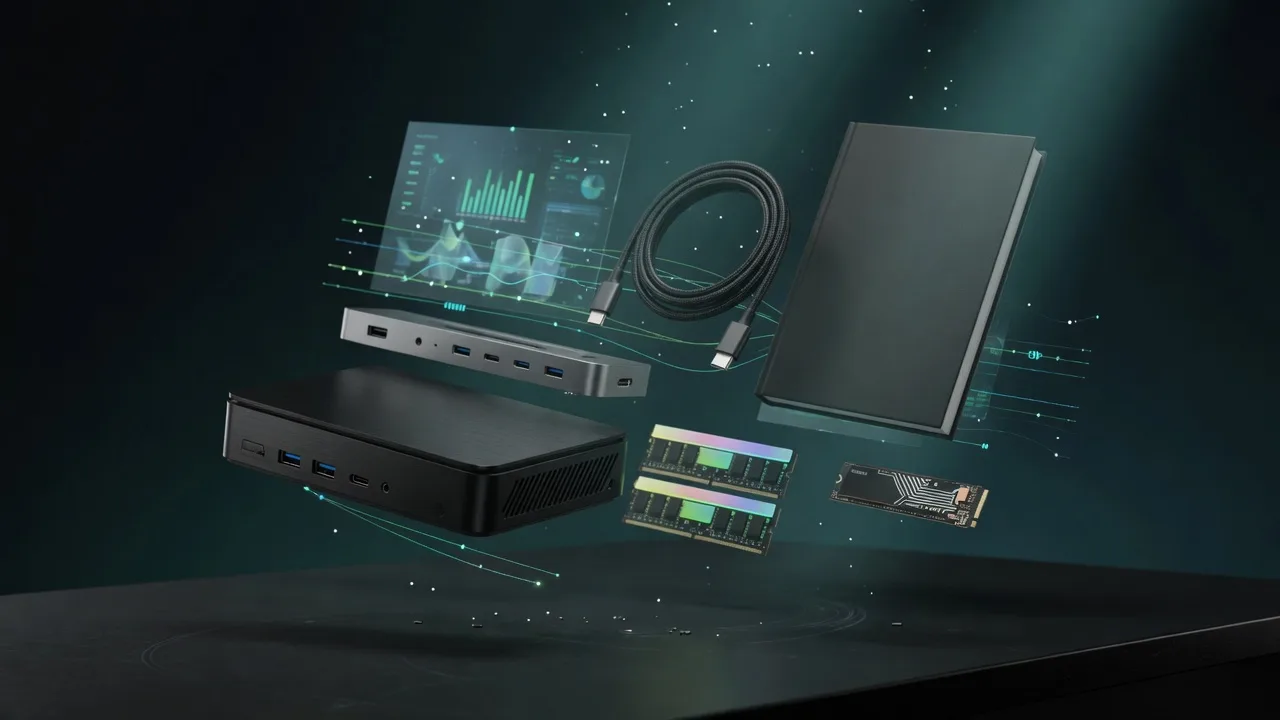
Also in Our Store
Docks, fast storage, cables, and a UPS sized for a local AI machine.
Rent this class of GPU by the hour before you buy. Live prices from RunPod and Vast.ai.
Find the break-even between buying this hardware and paying for a cloud API.
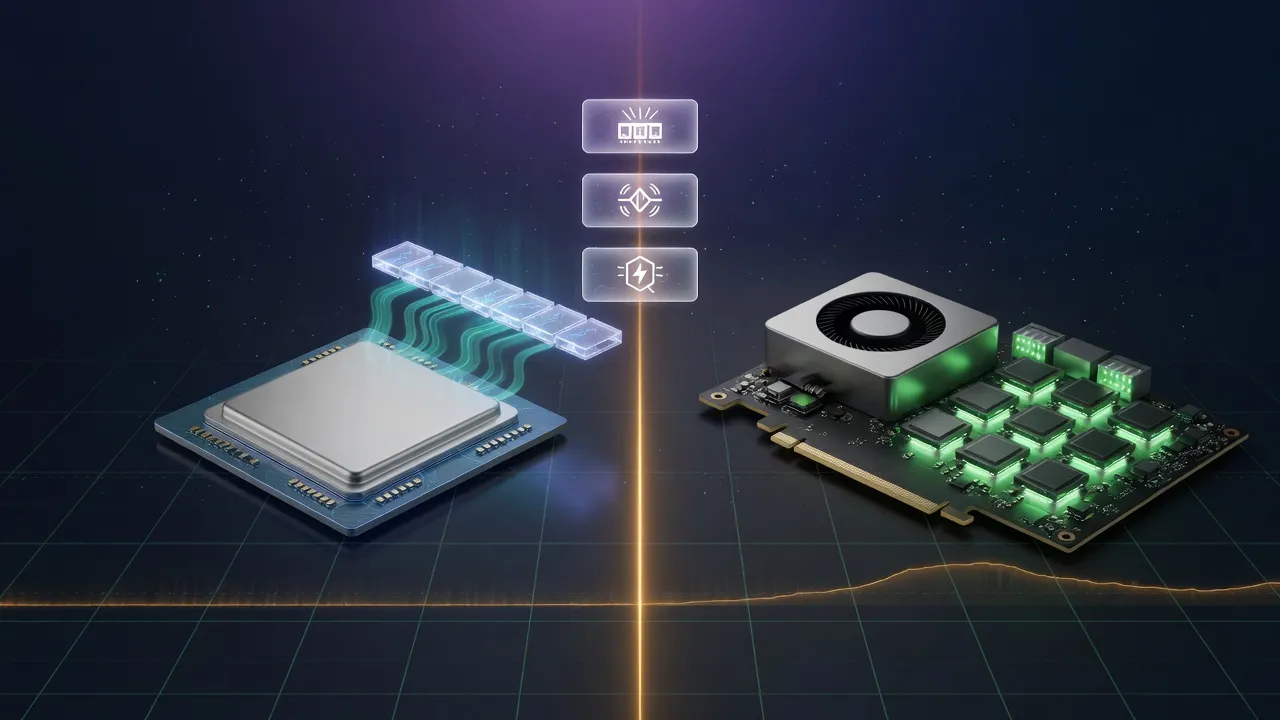
Mac vs NVIDIA for local inference, if you are still choosing a platform.
