Advertising disclosure: we earn commissions when you shop through the links below.
ACEMAGIC
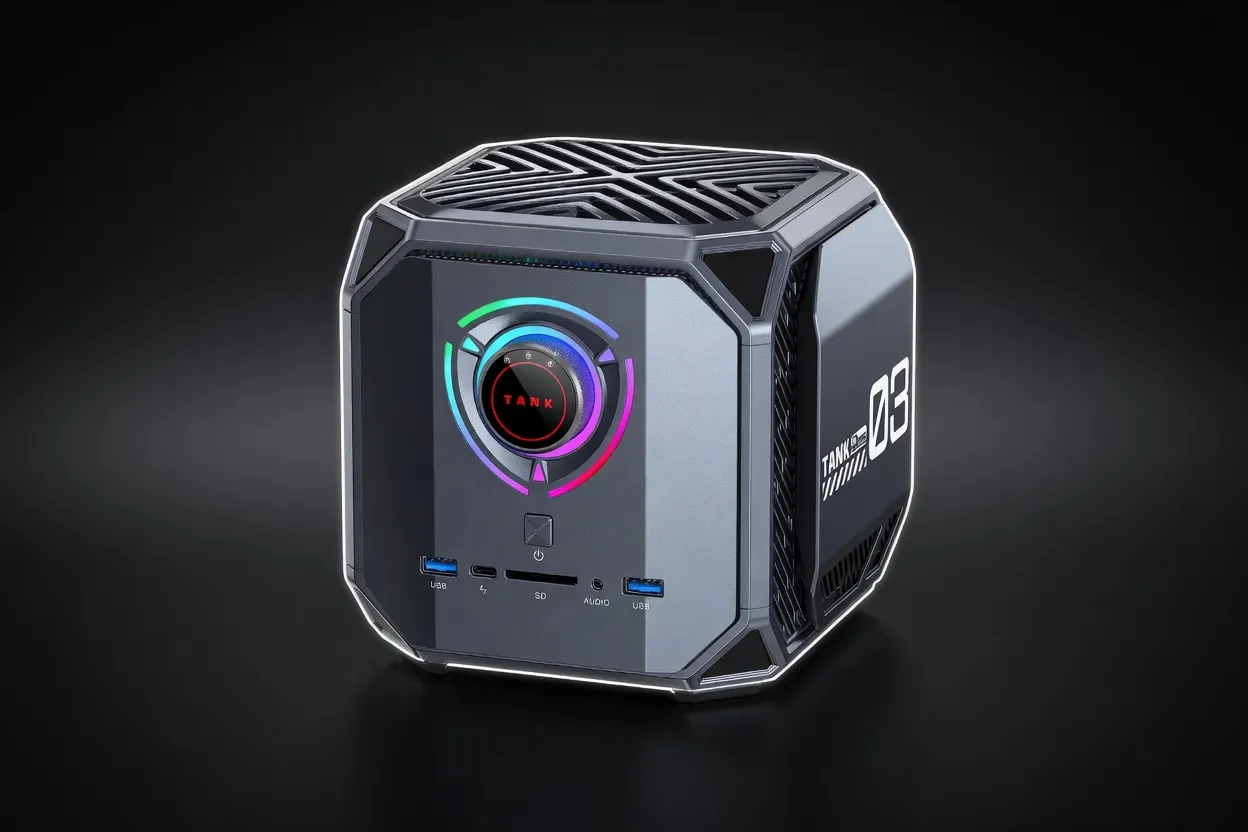
ACEMAGIC M1A Pro (i9-13900HK + ARC A770)
Compact Intel-only mini PC with i9-13900HK and discrete Intel ARC A770 16GB. XMX-engine accelerated inference at 512 GB/s, 32GB DDR5, 1TB SSD, six-display 8K output for multi-monitor AI dev work.
AI PCs & LaptopsIn Stock
Edge AIBudget Friendly
Quick Specs
VRAM16 GB
TDP300 W
Memory BW512 GB/s
Max Params13B at Q5_K_M; 32B at Q3 with system-RAM offload
Form FactorMini PC (Tank chassis)
GPUIntel ARC A770 16GB GDDR6 (512 GB/s, XMX AI engines, 225W TGP)
CPUIntel Core i9-13900HK (14C/20T, 6P+8E, up to 5.4 GHz, 54W cTDP)
Memory32GB DDR5-5200 (2x16GB, dual channel)
Storage1TB PCIe 4.0 NVMe SSD
Display Output6 displays: USB4 Type-C 8K, 2x DP 2.0 8K, 2x HDMI 2.0
ConnectivityUSB4, WiFi 6E, BT 5.2, 2.5GbE LAN
OSWindows 11 Pro
Our Take
Good balance for indie developers running local copilots and chat. 30B+ models are reachable but only with aggressive quantization and short context.
Pair this withMixtral 8x7B Instruct (46.7B)Largest popular open model that fits at Q4 — needs roughly 11.4 GB on this 16 GB card.
Generated from this product’s spec sheet. Editor reviews refine it over time.
Specifications
The ACEMAGIC M1A Pro is a compact mini PC that pairs an Intel Core i9-13900HK processor with a discrete Intel Arc A770 GPU (16 GB GDDR6) in a chassis barely larger than a console. At $799 MSRP, it targets a niche between consumer-grade mini PCs and full-tower workstations — a prosumer edge device for local AI inference, multi-monitor development, and agentic workflows that demand GPU acceleration without the footprint or power draw of a desktop rig.
What sets this machine apart is its use of an MXM-format Intel Arc A770 — a desktop-class GPU in a mini PC. That gives you 16 GB of VRAM with 512 GB/s bandwidth and Intel’s XMX matrix engines for AI acceleration. Combined with 32 GB of DDR5 system RAM and a 14-core i9 CPU, the M1A Pro can run 13B-parameter models entirely on GPU at reasonable quantization, and offload larger models (up to 32B) using system RAM. It competes directly with laptops like the ASUS ROG Flow Z13 (Arc graphics) or lower-end RTX 4060 laptops, but offers better sustained thermal performance due to its larger cooling solution. For edge deployment, it’s a viable alternative to an NVIDIA Jetson Orin or a Mac Mini with M4 Pro — depending on your software stack and model requirements.
The specs that matter for inference are VRAM capacity, memory bandwidth, and compute throughput. Here’s how the M1A Pro breaks down:
| Spec | Value | Why It Matters |
|---|---|---|
| VRAM | 16 GB GDDR6 | Fits Llama 3.1 8B at Q4_K_M (~6 GB), Mistral 7B at Q8 (~7 GB), Qwen 2.5 14B at Q4 (~8 GB). 13B at Q5_K_M (~10 GB) fits entirely. |
| Memory Bandwidth | 512 GB/s | Determines token generation speed. Expect ~20–30 tok/s for 7B models, ~10–15 tok/s for 13B at Q4. |
| XMX Engines | 4096 ALUs @ 2.1 GHz (approx 17 TFLOPS FP16) | Intel’s matrix engines accelerate transformer inference via IPEX-LLM or OpenVINO. Real-world throughput competitive with RTX 3060/4060 for LLM inference. |
| TDP | 300 W (system) | The GPU alone draws up to 225W. The system runs warm under load — expect fan noise at sustained inference. |
| CPU | i9-13900HK (14C/20T, 5.4 GHz) | Handles prompt processing, tokenization, and offloaded layers. 54W cTDP keeps thermals manageable. |
512 GB/s is the critical number. For context, an RTX 4060 laptop GPU has ~256 GB/s; an RTX 4090 desktop has ~1 TB/s. The M1A Pro sits in the middle — good enough for real-time chat at 7B–13B, but not for high-throughput serving of large models. With llama.cpp and Intel’s Vulkan backend, expect:
- Llama 3.1 8B (Q4_K_M): ~25–30 tok/s
- Mistral 7B (Q8): ~20–25 tok/s
- Qwen 2.5 14B (Q4_K_M): ~12–15 tok/s
- DeepSeek-R1 7B (Q4): ~22–28 tok/s
These are plausible for a 512 GB/s GPU with XMX support. Performance will vary based on prompt length, batch size, and software stack. Using Intel’s IPEX-LLM (which optimizes for XMX) can yield 10–20% higher throughput than generic Vulkan.
At 300W peak, the M1A Pro is not a low-power edge device. But for a mini PC with a discrete GPU, it’s reasonable. Idle power is around 40W. If you’re deploying at the edge with limited cooling or battery, consider a lower-TDP alternative. For a desk setup, the trade-off is acceptable for the inference performance.
These models fit entirely on the GPU at the specified quantization, avoiding system-RAM offload and maximizing speed:
- Llama 3.1 8B – Q8 (8 GB) or Q4_K_M (5.5 GB)
- Mistral 7B – Q8 (7 GB) or Q4_K_M (4.5 GB)
- Qwen 2.5 7B – Q8 (7 GB)
- DeepSeek-R1 7B – Q8 (7 GB)
- Gemma 2 9B – Q4_K_M (5.5 GB)
- Phi-3 14B – Q4_K_M (~8 GB)
- Llama 3.1 13B – Q5_K_M (~10 GB) – sweet spot for quality and speed
- Qwen 2.5 14B – Q4_K_M (~8 GB)
With 32 GB DDR5, you can run larger models by offloading some layers to system RAM. Expect slower generation (5–10 tok/s) but still usable for interactive tasks:
- Llama 3.1 32B – Q3_K_M (~16 GB GPU + 8 GB system) – feasible, ~5–8 tok/s
- Qwen 2.5 32B – Q3_K_M (~16 GB GPU + 8 GB system)
- Mixtral 8x7B – Q4_K_M (~24 GB total) – requires full offload, ~3–5 tok/s
- DeepSeek-R1 32B – Q3_K_M (~16 GB GPU + 8 GB system)
The M1A Pro can run vision-language models (e.g., LLaVA 1.6 7B, Qwen-VL 7B) entirely on GPU. For long-context tasks (32K+ tokens), the 32 GB system RAM helps with KV cache offload, but generation speed will drop. The six-display output (USB4 8K + 2x DP 2.0 8K + 2x HDMI 2.0) makes it ideal for multi-monitor AI development — run your model on one screen, monitor logs on another, and output on a third.
For most practitioners, the best quality-to-speed tradeoff is Llama 3.1 8B at Q4_K_M or Qwen 2.5 14B at Q4_K_M. Both fit in VRAM, produce high-quality outputs, and deliver interactive speeds (20+ tok/s). If you need 13B parameter reasoning, use Q5_K_M — still fits and gives better coherence than Q4.
- Hobbyists running local chatbots – You want a plug-and-play machine for Llama 3.1, Mistral, or DeepSeek. The M1A Pro runs
llama.cpp,Ollama, andLM Studioout of the box. 16 GB VRAM is enough for most 7B–13B models at decent quantization. - Developers building AI-powered applications – If you’re prototyping agentic workflows (e.g., LangChain, CrewAI) and need a dedicated inference box that’s quiet enough for a desk, this fits. The i9 CPU handles prompt processing and orchestration while the GPU runs inference.
- Teams running small inference servers – For low-throughput internal tools (e.g., code assistants, document Q&A), the M1A Pro can serve 1–2 concurrent requests. Use
vLLMorllama.cppserver mode. Not for production-scale serving, but fine for dev/test. - Edge deployment scenarios – The compact form factor and low idle power make it suitable for kiosks, digital signage with AI, or on-premises inference in retail/warehouse settings. The 2.5GbE LAN and USB4 allow fast data transfer.
- Multi-monitor AI development – Six display outputs let you run a model, monitor GPU stats, and view results simultaneously. Ideal for debugging and visualization-heavy workflows.
- Training from scratch – 16 GB VRAM is insufficient for fine-tuning most 7B+ models with LoRA. You can do QLoRA on smaller models (7B) with limited batch size, but a desktop RTX 4090 (24 GB) or cloud GPU is better.
- High-throughput serving – For >10 concurrent users, you need a server GPU (A100, H100) or at least a 24 GB RTX 3090/4090.
- Low-noise environments – Under sustained inference, the fans are audible. If silence is critical, consider a fanless Mac Mini or a laptop with passive cooling.
The ROG Flow Z13 is a 2-in-1 laptop with a similar CPU and an RTX 4060 (8 GB VRAM, 256 GB/s). The M1A Pro offers double the VRAM and double the memory bandwidth — a clear advantage for LLM inference. The Flow Z13 is portable; the M1A Pro stays on your desk. If you need mobility, pick the Flow. If you need to run 13B models or larger quantizations, the M1A Pro wins.
The Mac Mini M4 Pro offers 24 GB unified memory (shared CPU/GPU) with ~400 GB/s bandwidth. For models that fit in 24 GB (e.g., Llama 3.1 8B at Q8, Mixtral 8x7B at Q3), Apple’s Metal backend can match or exceed Intel Arc performance. The M1A Pro is cheaper ($799 vs ~$1,400 for M4 Pro) and runs Windows-native tools like llama.cpp with CUDA-like performance via Vulkan. The Mac Mini is quieter and more power-efficient. Choose the M1A Pro if you need Windows, prefer Intel tooling, or want to run models that require >16 GB but <32 GB via offload.
- You need 16 GB VRAM at this price point ($799). No other mini PC offers a discrete GPU with this memory capacity.
- You want a compact, dedicated inference machine that doesn’t take up desk space.
- You prefer Intel’s ecosystem (OpenVINO, IPEX-LLM) or need Windows for specific AI frameworks.
- You require six display outputs for multi-monitor dev work.
Models That Run on This Device
The top models this device can run at 4-bit, ranked by fit and speed.
| Model | Grade | Speed | VRAM |
|---|---|---|---|
| North Mini CodeCohere | SS | 49.2 tok/s | 8.4 GB |
| Nemotron 3 Nano OmniNVIDIA | SS | 48.3 tok/s | 8.5 GB |
| Qwen3.6 35B-A3BAlibaba | SS | 48.3 tok/s | 8.5 GB |
| Qwen3.5-35B-A3BAlibaba | SS | 48.3 tok/s | 8.5 GB |
| DiffusionGemma 26B-A4BGoogle | SS | 39.3 tok/s | 10.5 GB |
Similar Products
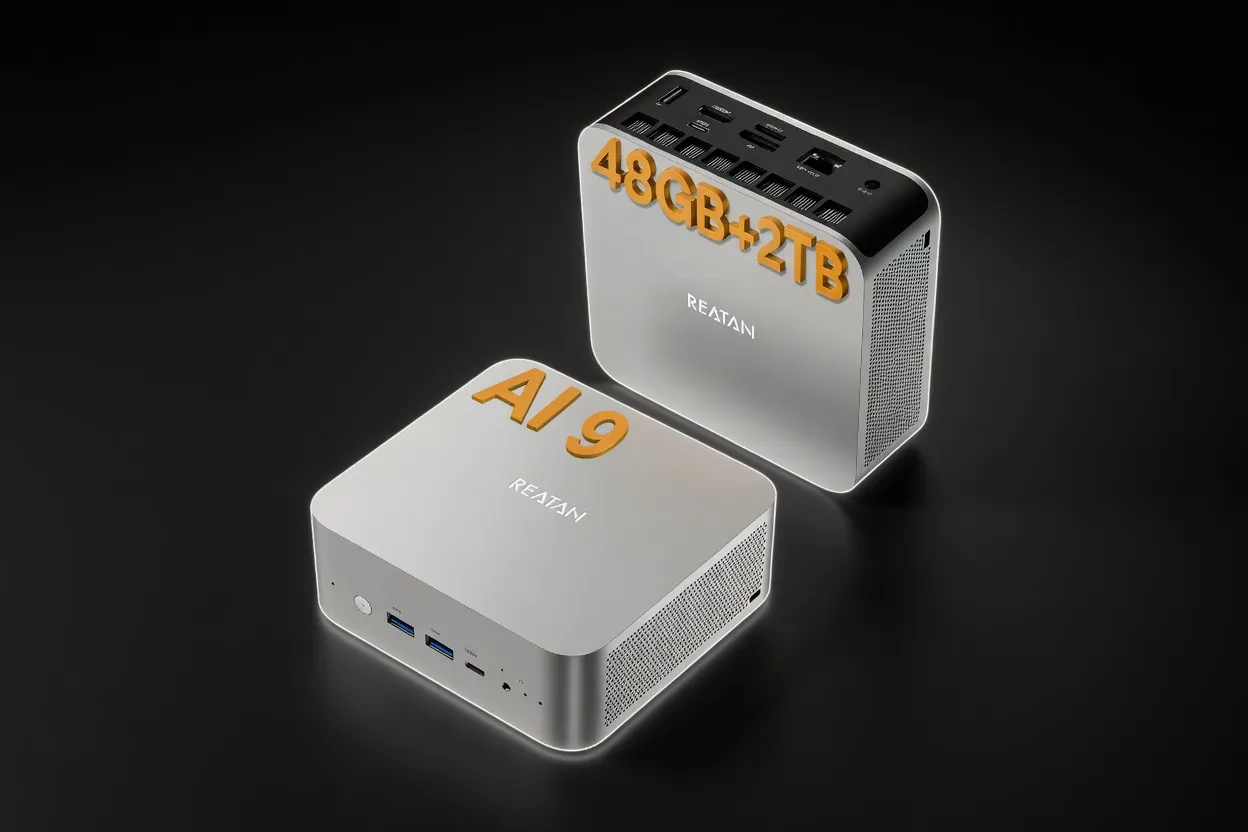
Reatan Mini Gaming PC (Ryzen AI 9 HX 470 with Speaker)
16 GB54 W
Edge AIMobile / On-DeviceEnergy Efficient
$999
Buy on Amazon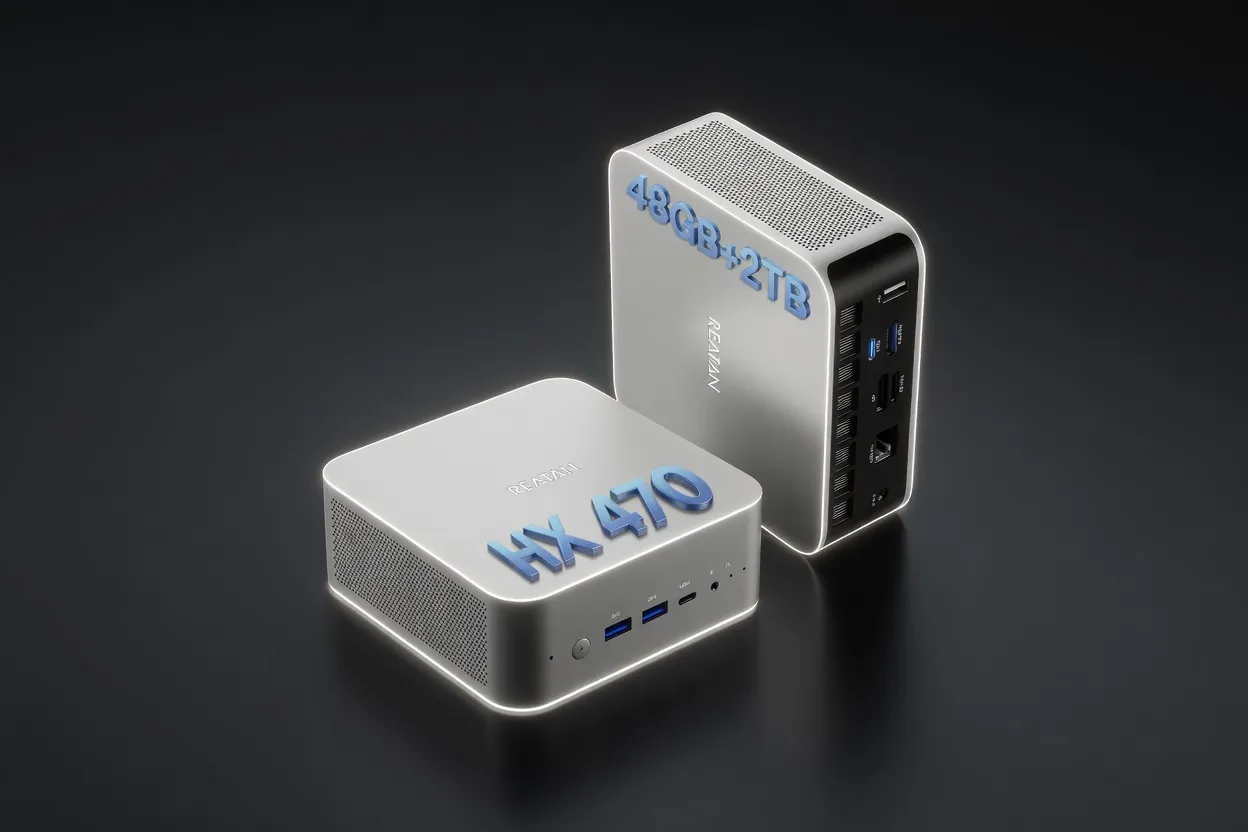
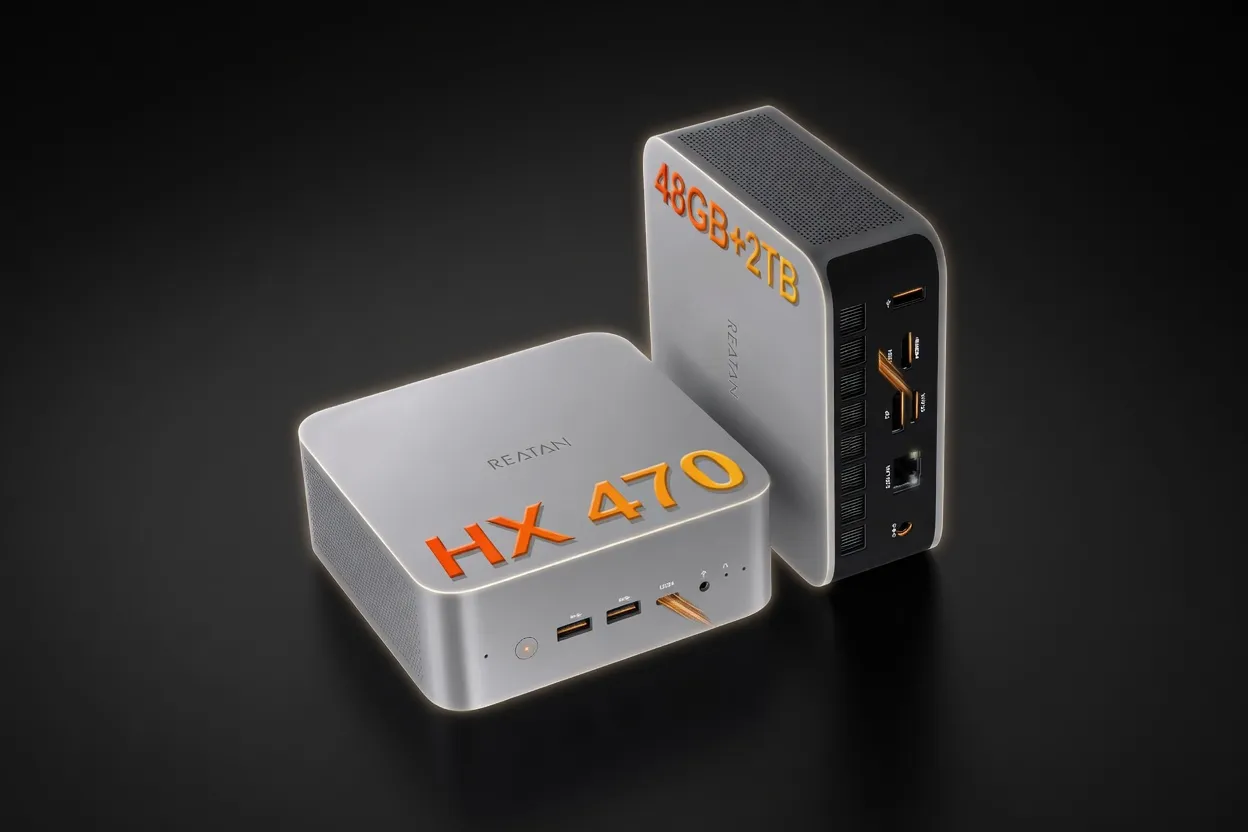
Reatan X8 (Ryzen AI 9 HX 470 48GB)
16 GB54 W
Edge AIMobile / On-DeviceEnergy Efficient
$999
Buy on Amazon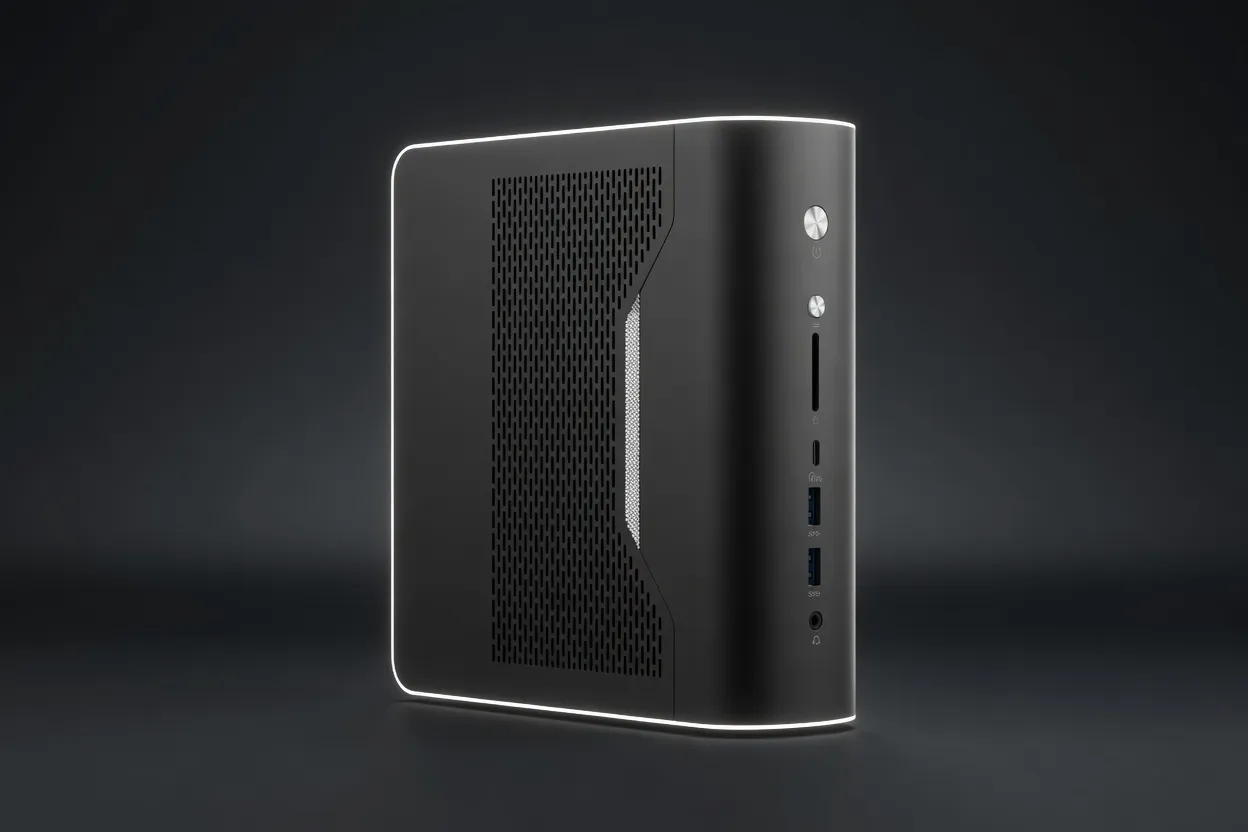
NIMO Mini PC (Ryzen AI Max+ 395 128GB)
96 GB120 W
Best for LLMsEdge AIEnergy Efficient
$2,299
Buy on Amazon
Also in Our Store
Finish the Build
Docks, fast storage, cables, and a UPS sized for a local AI machine.
Plan Your Setup

GPU Rental Price Index
Rent this class of GPU by the hour before you buy. Live prices from RunPod and Vast.ai.
AI Hardware ROI Calculator
Find the break-even between buying this hardware and paying for a cloud API.
AI Workstation Builder
Get a full budget-matched parts list for a local AI workstation.
Apple Silicon vs RTX
Mac vs NVIDIA for local inference, if you are still choosing a platform.
