
- Services
Advertising disclosure: we earn commissions when you shop through the links below.
CHUWI's UniBox AI495 Pro is a 2.9 litre mini workstation built around the AMD Ryzen AI Max+ PRO 495 APU with 16 Zen 5 cores and Radeon 8065S integrated graphics. It ships with up to 192GB of LPDDR5x-8533 unified memory, of which up to 160GB can be allocated as VRAM, and CHUWI states it can run local LLMs up to 300B parameters at 4-bit quantization. The platform delivers up to 131 overall TOPS with a 55 TOPS NPU, plus dual 10GbE, Wi-Fi 7, OCuLink and three M.2 2280 slots. It runs Windows 11 Pro and pricing has not been announced.
Sized for production serving of 70B–200B class models at full or lightly-quantized precision. Overkill for a homelab; right call when the workload pays for itself in token volume.
Generated from this product’s spec sheet. Editor reviews refine it over time.
The UniBox AI495 Pro is CHUWI's flagship entry into the unified-memory mini-workstation category: a 2.9-litre box built around AMD's Ryzen AI Max+ PRO 495 APU, with up to 192GB of LPDDR5x-8533 unified memory and as much as 160GB of that pool allocatable as VRAM. CHUWI announced it at IFA Berlin alongside the lower-spec UniBox AI395, and it ships with Windows 11 Pro. Pricing has not been announced.
For AI workloads, the story is capacity, not compute. The AI495 Pro gives you a single 160GB addressable memory pool inside a 240W envelope — roughly the footprint of a hardback book. That lets you keep a 70B dense model, an embedding model, a reranker, and a vision model resident at the same time without sharding across cards or spilling to system RAM over PCIe. Practitioners who have spent the last two years juggling two or four consumer GPUs to reach 96–128GB of combined VRAM will recognise the appeal immediately. There is no NVLink-style interconnect here; there's also no multi-GPU complexity, no PCIe lane starvation, and no 1.5kW PSU.
Positioning is prosumer/workstation rather than consumer or data centre. Realistic alternatives are the Minisforum MS-S1 Max P495 (same APU, same 192GB ceiling), GMKtec's Strix Halo machines like the EVO-X2, Apple's Mac Studio, and NVIDIA's DGX Spark. If your models fit in 24GB, this is the wrong product — buy a discrete GPU. If they don't, it's one of the few single-box options under $5,000.
Memory bandwidth is the limiting factor, and you should plan around it. At 273 GB/s, the AI495 Pro is roughly three times a dual-channel DDR5 desktop but far below a discrete GPU — an RTX 4090 moves around 1,008 GB/s over a 384-bit bus. LLM decode is memory-bound: tokens per second scale roughly with bandwidth divided by bytes read per token. The 273 GB/s figure is what determines your interactive experience, not the 131 TOPS number. That TOPS figure is an aggregate INT8 rating across CPU, GPU, and NPU, useful for vision pipelines, pre/post-processing, and batched encoder work rather than autoregressive decoding.
The 55 TOPS NPU is best thought of as a power-efficient side channel: continuous background tasks (transcription, embedding, small classifier heads) can live there while the GPU handles the main model. Unified memory means no host-to-device copies between the CPU and iGPU, so prompt processing does not pay a PCIe transfer tax on top of compute.
Efficiency is a genuine advantage. A 240W adapter covers the entire system, including the SSD array and dual 10GbE. Compare that to a 4090 plus platform, which idles in the 550–700W range under load. For a box running 24/7 as a local agent host, the delta matters over a year.
Windows 11 Pro is the shipped OS. Most practitioners will run llama.cpp, LM Studio, or Ollama with a Vulkan or ROCm backend; ROCm support for RDNA 3.5 integrated parts has improved but still requires attention to version pinning. Plan to validate your stack before committing.
Estimates below assume Q4-class weights, single-user decoding, and a llama.cpp or equivalent runtime at 273 GB/s. Real numbers vary with KV cache size, context length, and batching.
Sweet spot: MoE at 4-bit. The AI495 Pro's capacity advantage is wasted on dense models under 70B, and its bandwidth disadvantage punishes dense models above it. Sparse models with 20–40B active parameters let you run 100B+ class capability at interactive speeds.
Beyond text. The 160GB pool handles multimodal comfortably: Llama 3.2 Vision 90B at Q4 (~50GB), Qwen2.5-VL 72B, InternVL variants, Whisper large-v3, and diffusion models like FLUX all coexist. Long context is largely a KV cache budgeting exercise — with a 70B model at Q4, you have over 100GB left over, enough for 100k+ tokens with quantized KV.
Training: LoRA and QLoRA fine-tunes of 70B models are viable. Full fine-tuning is not, and pre-training is out of scope. Fine-tune throughput is bandwidth-limited and will feel slow next to a discrete multi-GPU rig.
Local agent stacks. An agent host needs a resident model, tool-calling reliability, and a long context that survives across sessions. 160GB of VRAM lets you keep the primary model, a summarizer, and a retrieval embedder loaded permanently — no reload penalty between steps, no model swapping.
Multi-model serving. A 70B chat model, a 7B router, an embedding model, a reranker, and a vision model will all fit simultaneously. Teams that currently queue requests against a single 24GB GPU will see a step change in concurrency per box.
Developers and small teams with data-residency constraints. Legal, medical, and defence-adjacent groups that cannot send prompts to a hosted API get a credible on-prem target. Dual 10GbE and Wi-Fi 7 make it trivial to drop into an existing rack or lab bench.
Edge and branch deployment. 2.9 litres, 240W, and no discrete GPU means it survives dusty cabinets, shallow racks, and unreliable power. OCuLink gives you an upgrade path to external storage or additional compute later.
Not for: high-throughput production serving with dozens of concurrent users, large-scale training, or anyone whose models fit comfortably in 24GB — a single mid-range GPU will be cheaper and faster for that.
vs. Minisforum MS-S1 Max P495. Same Ryzen AI Max+ PRO 495, same 192GB/160GB/273 GB/s memory configuration. The differences come down to chassis, thermals, port layout, and price. Both offer OCuLink and dual 10GbE. Buy whichever is in stock and cheaper; there is no silicon-level differentiation.
vs. GMKtec EVO-X2 (Ryzen AI Max+ 395). The EVO-X2 carries 128GB unified with up to 96GB as VRAM, 256 GB/s bandwidth, and sells around $2,199. That's meaningfully cheaper, and it handles 70B dense models at Q4 without strain. What it cannot do is hold a 235B-class MoE with a long context. If your model list tops out at 70B, the EVO-X2 is the better buy. If you want 100B+ sparse models resident, the AI495 Pro's extra 64GB is the entire point.
vs. NVIDIA DGX Spark. 128GB unified at 273 GB/s — identical bandwidth, less memory, and a CUDA/CUDA-X software stack that is far more mature than ROCm on integrated RDNA. Priced around $4,000. Choose the Spark if your pipeline is CUDA-bound or you depend on NVIDIA-specific tooling. Choose the AI495 Pro for the extra VRAM headroom, dual 10GbE, three M.2 slots, and Windows as a first-class target.
vs. Apple Mac Studio. An M4 Max Studio with 128GB runs 546 GB/s — double the decode bandwidth, and noticeably faster for anything under 100GB. The ceiling is the problem: reaching 192GB+ requires an M3 Ultra at a much higher price. For dense 70B at speed, Apple wins. For 160GB of VRAM on x86 with Windows/Linux and OCuLink expansion, this does not.
Availability is announced-only, with no MSRP yet. That price will determine whether the AI495 Pro is a bargain or simply the most expensive way to get 160GB into a shoebox.
The top models this device can run at 4-bit, ranked by fit and speed.
| Model | Grade | Speed | VRAM |
|---|---|---|---|
| Qwen3-30B-A3BAlibaba | AA | 40.8 tok/s | 5.4 GB |
| LFM2.5-8B-A1BLiquid AI | AA | 75.6 tok/s | 2.9 GB |
| Llama 3 8B InstructMeta | AA | 38.8 tok/s | 5.7 GB |
| LensVLM-9BApple | AA | 36.5 tok/s | 6.0 GB |
| Carnice-9b for Hermes agentkai-os | AA | 36.5 tok/s | 6.0 GB |
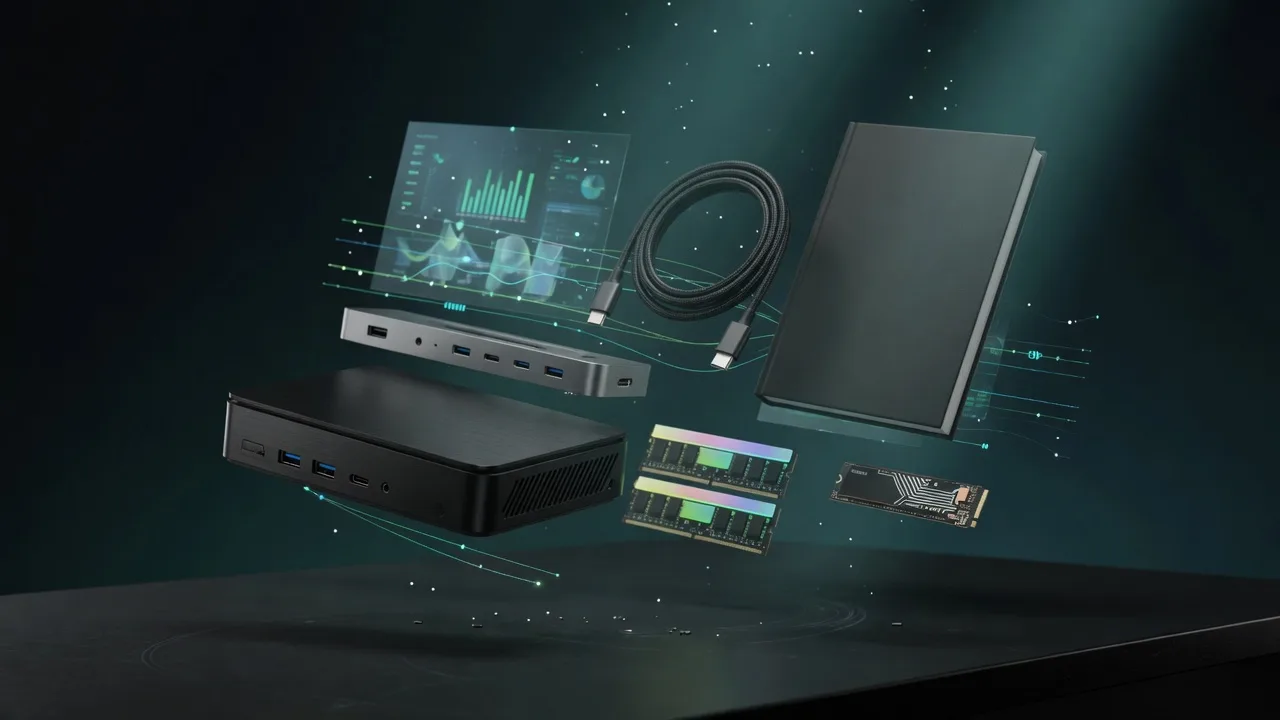
Also in Our Store
Docks, fast storage, cables, and a UPS sized for a local AI machine.

Rent this class of GPU by the hour before you buy. Live prices from RunPod and Vast.ai.
Find the break-even between buying this hardware and paying for a cloud API.
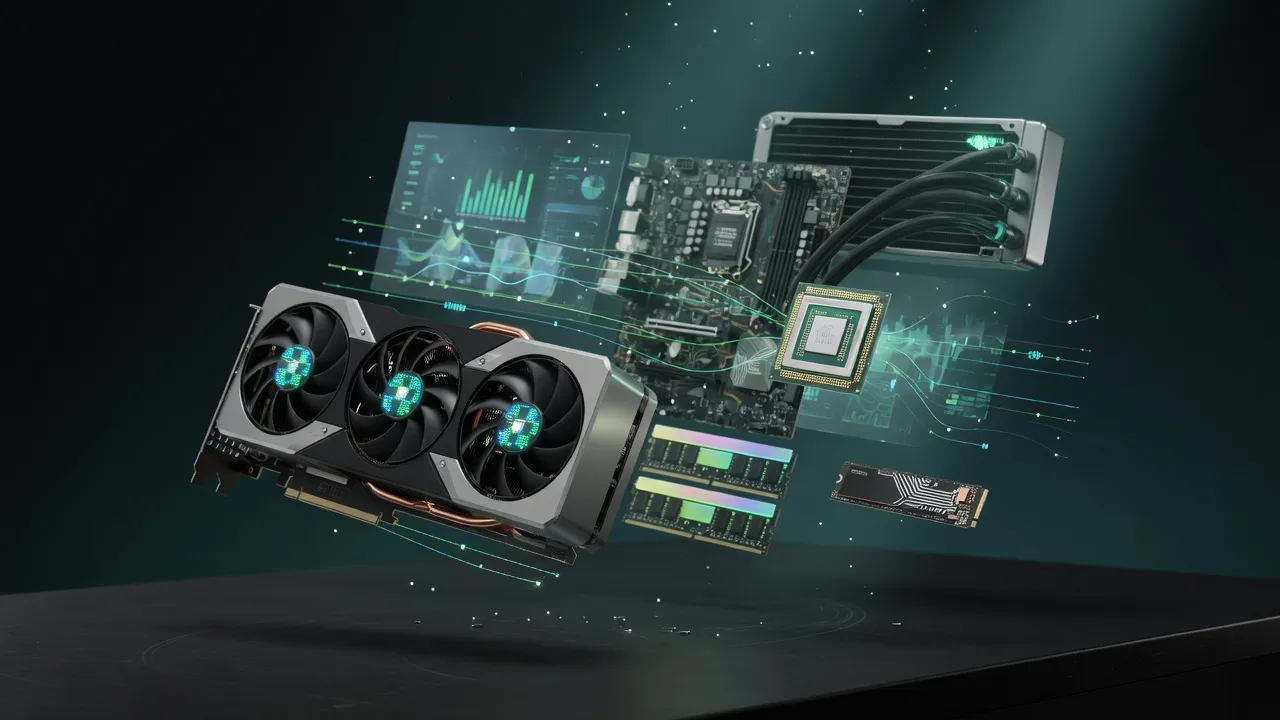
Get a full budget-matched parts list for a local AI workstation.
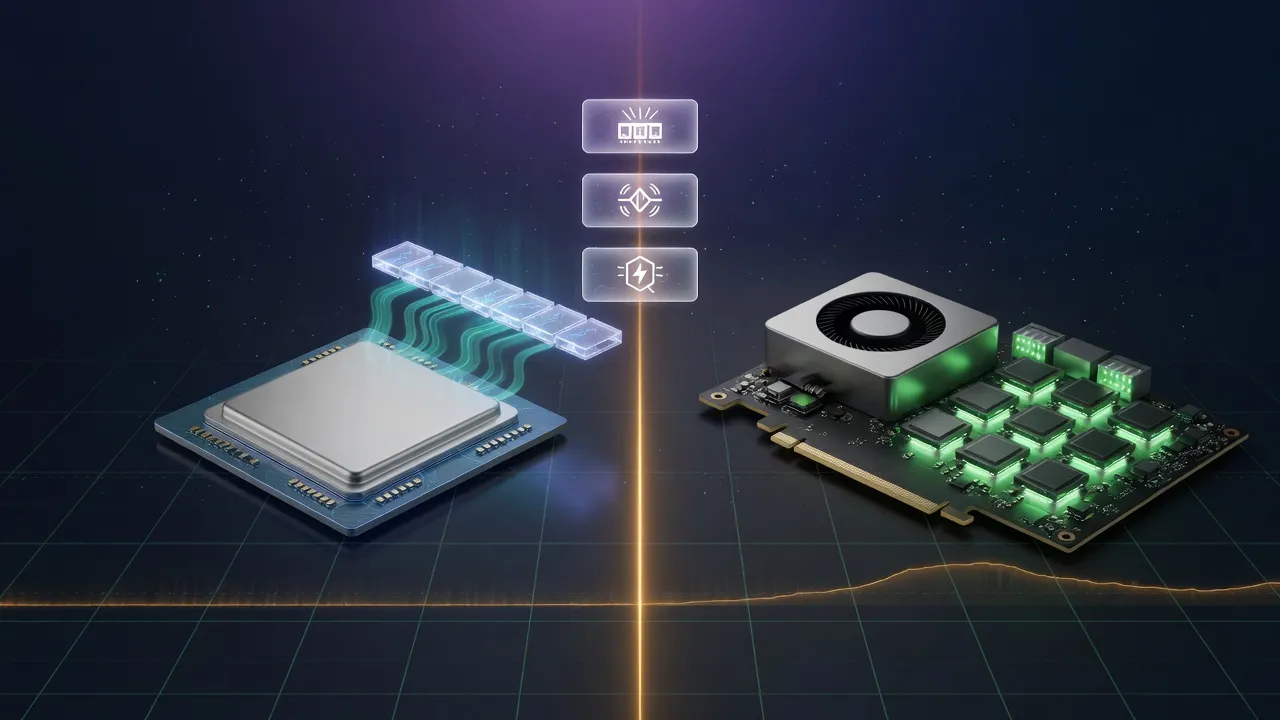
Mac vs NVIDIA for local inference, if you are still choosing a platform.
