
- Services
Advertising disclosure: we earn commissions when you shop through the links below.
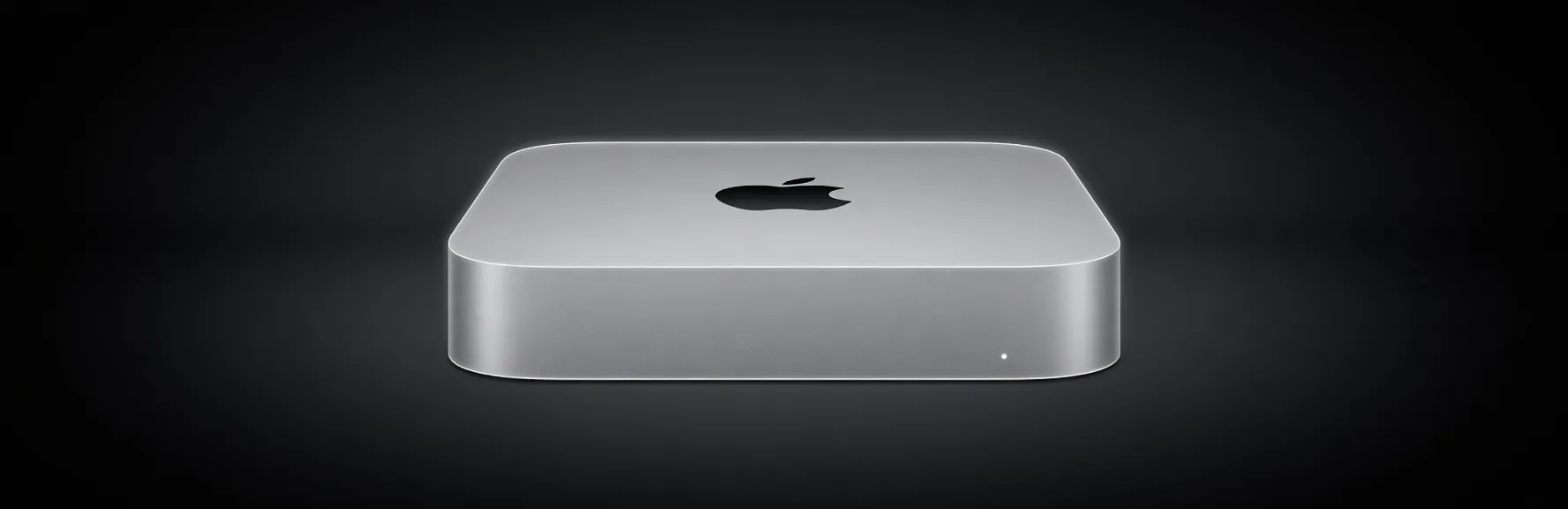
The first Apple Silicon Mac Mini, featuring the M1 chip with 8-core CPU and 8-core GPU. Marked Apple's historic transition from Intel to its own ARM-based processors in desktop Macs.
Good balance for indie developers running local copilots and chat. 30B+ models are reachable but only with aggressive quantization and short context.
Generated from this product’s spec sheet. Editor reviews refine it over time.
The Apple Mac Mini (M1, 2020) represents the entry point for engineers and developers transitioning into the Apple Silicon ecosystem for AI development. Launched as the first desktop implementation of the M1 chip, this machine moved away from the Intel architecture to a unified memory architecture (UMA) that proved surprisingly capable for local inference. While now discontinued by Apple and superseded by M2 and M3 variants, it remains a high-value target on the secondary market for practitioners seeking a low-cost, energy-efficient node for edge deployment or lightweight agentic workflows.
For AI workloads, the Mac Mini (M1, 2020) is a prosumer-grade device optimized for mobile / on-device development and small-scale inference. It competes primarily with budget-tier NVIDIA RTX 3060 builds or N100-based mini PCs, though it offers a significantly more cohesive software experience via Metal and MLX. In the context of the best hardware for local AI agents 2025, the M1 Mini serves as an excellent dedicated "worker" node for simple task-routing or small-parameter model hosting.
The defining feature of the Apple Mac Mini (M1, 2020) for AI is its Unified Memory Architecture (UMA). Unlike traditional PC builds where the CPU and GPU have separate memory pools, the M1 allows the 8-core GPU to access the full 16GB of LPDDR4X memory. In AI terms, this effectively provides a 16GB VRAM for large language models, a capacity that usually requires a much more expensive dedicated GPU in the Windows/Linux ecosystem.
When evaluating the Apple Mac Mini (M1, 2020) vs. a budget NVIDIA setup (like an RTX 3060 12GB), the Mac Mini wins on power efficiency and total addressable VRAM (16GB vs 12GB), but loses on raw raw compute speed and library compatibility (CUDA vs. Metal).
The Apple Mac Mini (M1, 2020) AI inference performance is strictly limited by its 16GB memory ceiling. This hardware is designed for running small models only with 16GB unified memory, meaning you should focus on models in the 1B to 14B parameter range.
While the 16GB VRAM for AI is generous for the price, it cannot realistically run 30B+ parameter models. A 30B model even at 4-bit quantization requires ~18-20GB of VRAM, which causes the M1 Mini to swap to the SSD, resulting in an unusable crawl of <1 token per second. For multi-modal models like LLaVA, the M1 handles image description tasks adequately, though the "time to first token" is noticeably longer than on M2 or M3 silicon.
The M1 Mac Mini is arguably the best apple silicon for running AI models locally on a strict budget. It is an ideal host for frameworks like LangChain, CrewAI, or AutoGPT. Developers can use it as a dedicated server for running an Ollama or vLLM instance that handles routine tasks like email summarization, document indexing, or code linting.
For those just entering the field, the Apple silicon for AI development ecosystem (specifically the MLX library) is highly accessible. It allows hobbyists to experiment with fine-tuning small models (via LoRA) or exploring stable diffusion image generation (using DiffusionKit) without a $2,000+ investment.
Because of its 2.6 lb weight and 7.7-inch footprint, the M1 Mini is frequently used in "edge" scenarios, such as a local server in an office that processes sensitive data locally to ensure privacy, or as a media controller that uses local Whisper models for real-time transcription.
It is important to note that the M1 Mac Mini is an inference-first machine. While you can perform lightweight LoRA adapters or "fine-tuning" on very small models (under 3B params), it is not a training powerhouse. If your primary goal is training large-scale models from scratch, this is not the right tool.
The M2 successor offers roughly 20% faster CPU performance and 35% faster GPU performance, with memory bandwidth increasing to 100 GB/s. If the price difference is less than $150, the M2 is generally the better buy for AI. However, at the $300-$400 used price point, the M1 remains the superior value for a 16GB RAM configuration.
The RTX 3060 will provide faster inference speeds due to CUDA optimization and higher TFLOPS. However, the Mac Mini provides 4GB more "VRAM" through its unified 16GB pool, allowing it to load slightly larger model weights or longer context windows that would crash a 12GB card. Furthermore, the Mac Mini operates at a fraction of the power (39W max vs 170W+ for a PC build).
While the Pi 5 is cheaper, it lacks the specialized matrix math hardware (Neural Engine) and GPU compute of the M1. For any serious LLM work, the M1 is orders of magnitude faster and is the best AI chip for local deployment when moving up from microcontrollers to actual desktop-class inference.
The top models this device can run at 4-bit, ranked by fit and speed.
| Model | Grade | Speed | VRAM |
|---|---|---|---|
| Holo4-35B-A3BHcompany | AA | 23.5 tok/s | 2.3 GB |
| AliceAI-Foundation-80B-A3B-Baseyandex | BB | 6.4 tok/s | 8.5 GB |
| North Mini CodeCohere | BB | 6.6 tok/s | 8.4 GB |
| Mixtral 8x7B InstructMistral AI | BB | 4.8 tok/s | 11.4 GB |
| Nemotron 3 Nano OmniNVIDIA | BB | 6.4 tok/s | 8.5 GB |
Among 6 similar devices, the Apple Mac Mini (M1, 2020) ranks #6 for memory and #6 for memory bandwidth.
Also in Our Store
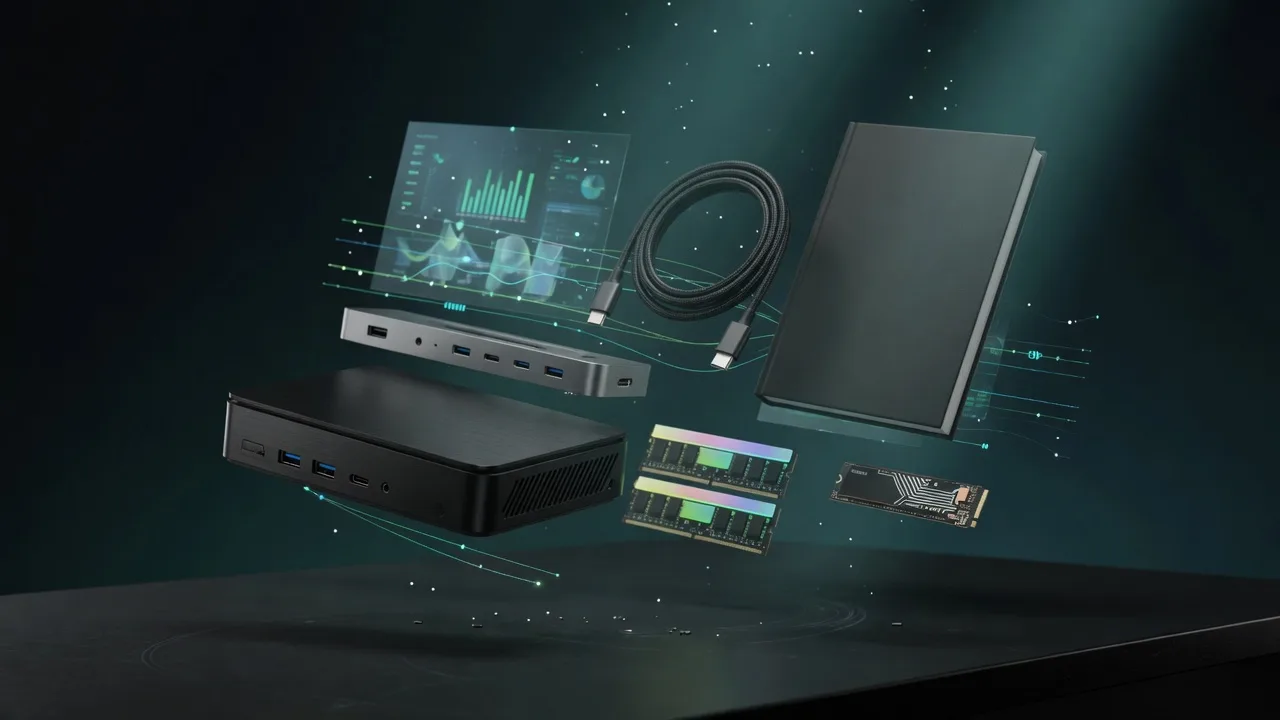
Docks, fast storage, cables, and a UPS sized for a local AI machine.
Rent this class of GPU by the hour before you buy. Live prices from RunPod and Vast.ai.
Find the break-even between buying this hardware and paying for a cloud API.
Mac vs NVIDIA for local inference, if you are still choosing a platform.
