
- Services
Every GPU and Mac in our directory, ranked by how well it runs Torchcast Decision 27B at 4-bit. Each grade weighs whether the model fits in memory and how fast it runs, so you can see what to buy at a glance.
At 4-bit, Torchcast Decision 27B needs about 75 GB of VRAM. The ranked list below shows every device that can run it.
52 of 110 devices can run Torchcast Decision 27B at a usable speed.
See full Torchcast Decision 27B details, specs, and benchmarksThe top devices for this model at 4-bit, ranked by fit and speed.
| Device | Grade | VRAM |
|---|---|---|
| Acer Veriton GN100 AI MiniAcer | SS | 74.9 GB |
| AMD Instinct MI300XAMD | SS | 74.9 GB |
| AMD Instinct MI325XAMD | SS | 74.9 GB |
| AMD Instinct MI355XAMD | SS | 74.9 GB |
| Apple M3 Ultra (32-core CPU, 80-core GPU)Apple | SS | 74.9 GB |
| Apple M4 Max (40-core GPU)Apple | SS | 74.9 GB |
| Apple M5 Max (18-core CPU, 40-core GPU)Apple | SS | 74.9 GB |
| Apple Mac Studio (M1 Ultra, 2022)Apple | SS | 74.9 GB |
| Apple Mac Studio (M2 Ultra, 2023)Apple | SS | 74.9 GB |
| Apple Mac Studio (M3 Ultra, 2025)Apple | SS | 74.9 GB |
| Apple Mac Studio (M4 Max, 2025)Apple | SS | 74.9 GB |
| ASUS Ascent GX10 - 1TBASUS | SS | 74.9 GB |
| SS | 74.9 GB | ||
| SS | 74.9 GB | ||
| SS | 74.9 GB | ||
| SS | 74.9 GB | ||
| SS | 74.9 GB | ||
| SS | 74.9 GB | ||
| SS | 74.9 GB | ||
| SS | 74.9 GB | ||
Ad Tools for AI BuildersAll the hardware and tools you need to run private AI at your office or at home.Shop Now Tools for AI BuildersAll the hardware and tools you need to run private AI at your office or at home.Shop Now | |||
| SS | 74.9 GB | ||
| SS | 74.9 GB | ||
| SS | 74.9 GB | ||
| SS | 74.9 GB | ||
| SS | 74.9 GB | ||
| SS | 74.9 GB | ||
| SS | 74.9 GB | ||
| SS | 74.9 GB | ||
Ad Vast.aiAffordable on-demand GPU rentals for training and inference. Pick from thousands of hosts.Rent a GPU Vast.aiAffordable on-demand GPU rentals for training and inference. Pick from thousands of hosts.Rent a GPU | |||
| SS | 74.9 GB | ||
| SS | 74.9 GB | ||
GIGABYTE AI TOP ATOMGigabyte | SS | 74.9 GB | |
Gigabyte W775-V10-L01Gigabyte | SS | 74.9 GB | |
Google TPU v7 (Ironwood)Google | SS | 74.9 GB | |
| SS | 74.9 GB | ||
| SS | 74.9 GB | ||
| SS | 74.9 GB | ||
| AdTools for AI BuildersAll the hardware and tools you need to run private AI at your office or at home.Shop Now | |||
| SS | 74.9 GB | ||
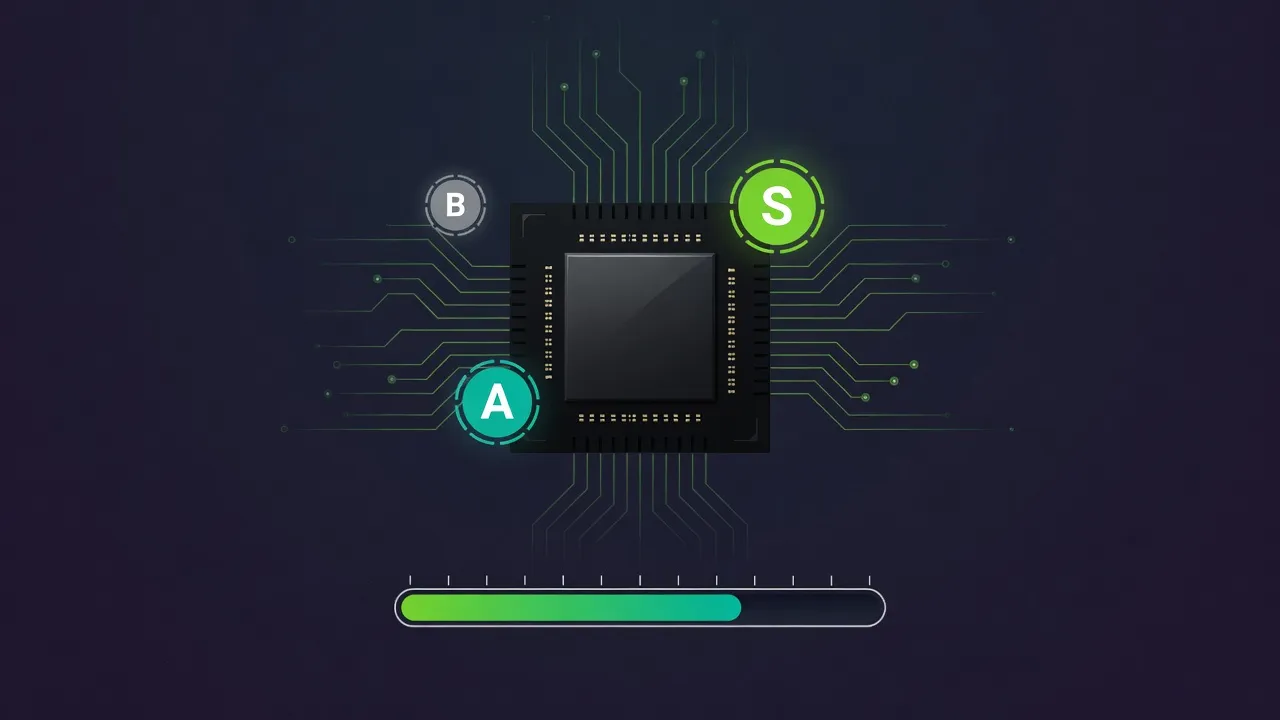
Hardware Compatibility
Enter your hardware and get a ranked list of every model it can run, with speed and fit scores.
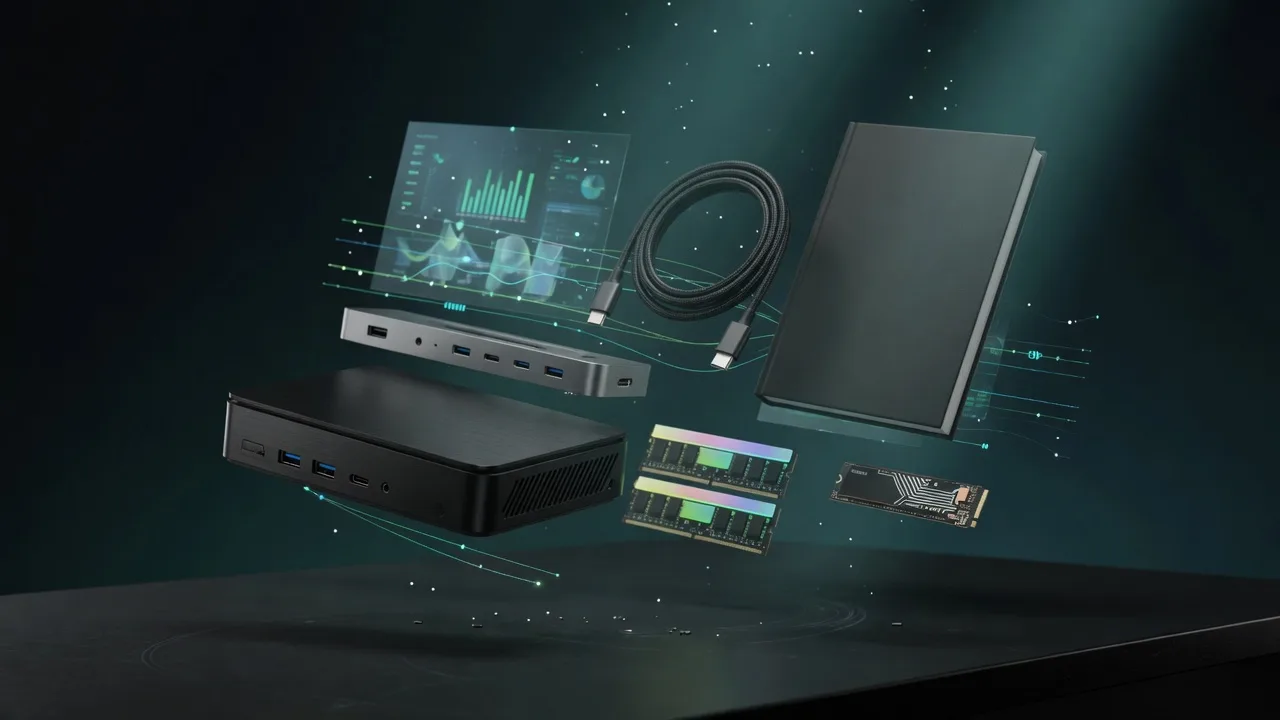
Run It Locally
Compact machines that run this class of model on your desk, without a monthly cloud bill.
Straight answers to the questions we hear most often.
Can't find what you're looking for? Book a Discovery Call
We size the model at 4-bit (Q4_K_M), add the KV cache for its context length and a fixed runtime overhead, then compare that to each device VRAM. A device is graded on how comfortably the model fits and how fast it should run, based on the card memory bandwidth.
It is an estimate of decode speed in tokens per second at 4-bit, derived from the device memory bandwidth and the model size. Real speed varies with the runtime, batch size, and context length, so treat it as a ballpark for comparing devices, not a guarantee.
4-bit (Q4_K_M) is what most people actually run locally. It roughly quarters the memory a model needs versus 16-bit, with a small quality trade-off, so far more hardware can run the model. Each model page has a full quantization breakdown if you want other levels.
Higher-quality quants like Q5, Q6, or Q8 need more VRAM, so a device that is a tight fit at 4-bit may not fit at all. The model detail page shows the VRAM required at every quantization level so you can plan for the exact one you want.